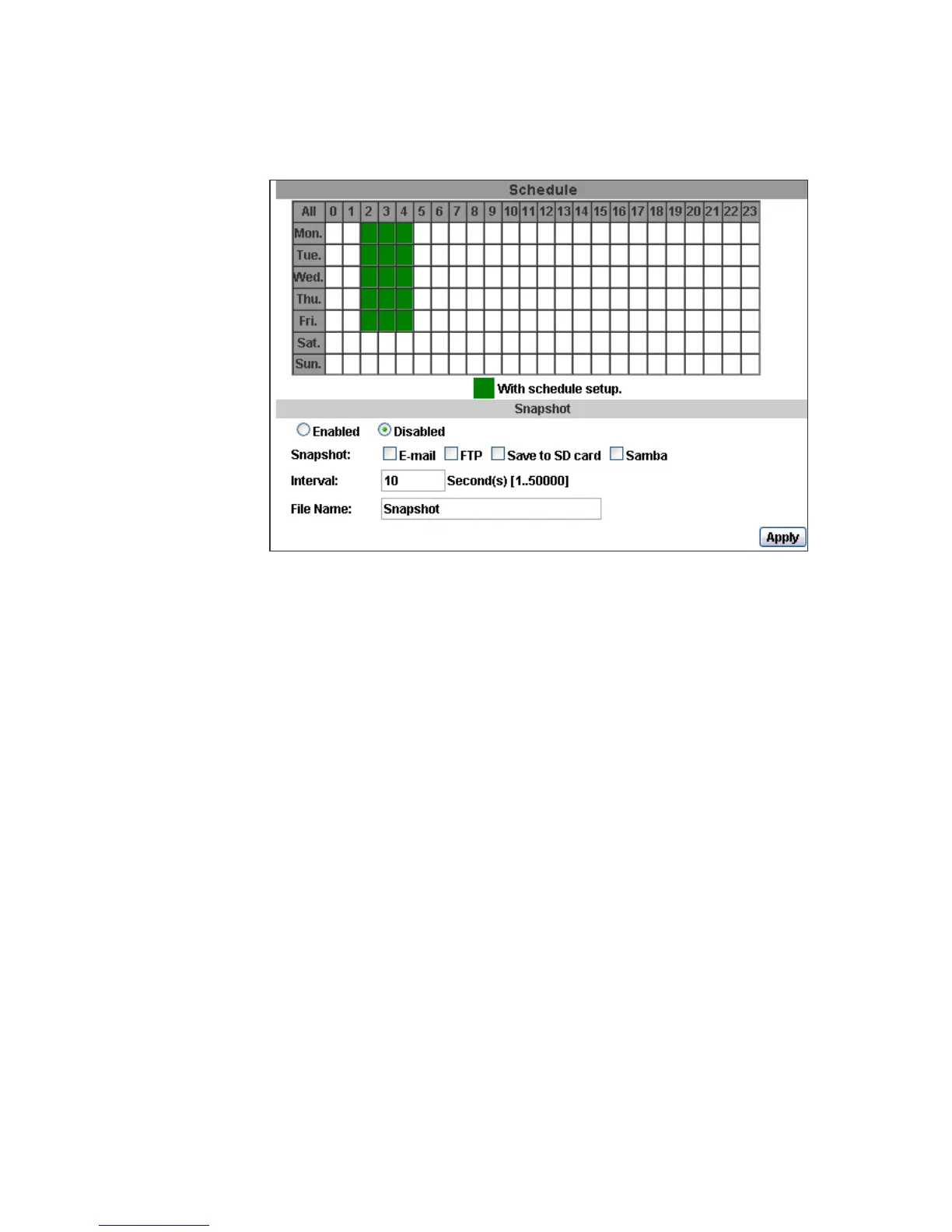
2. Schedule
a. Schedule: After complete the schedule setup, the camera data will be
recorded according to the schedule setup.
b. Snapshot: After enable the snapshot function; user can select the storage
position of snapshot file, the interval time of snapshot and the reserved file
name of snapshot.
c. Interval: The interval between two snapshots.



 To Next Page