5. SD card (Optional)
a. Playback
Please Insert Micro SD card before use it. Make sure pushing Micro SD
card into the slot completely.
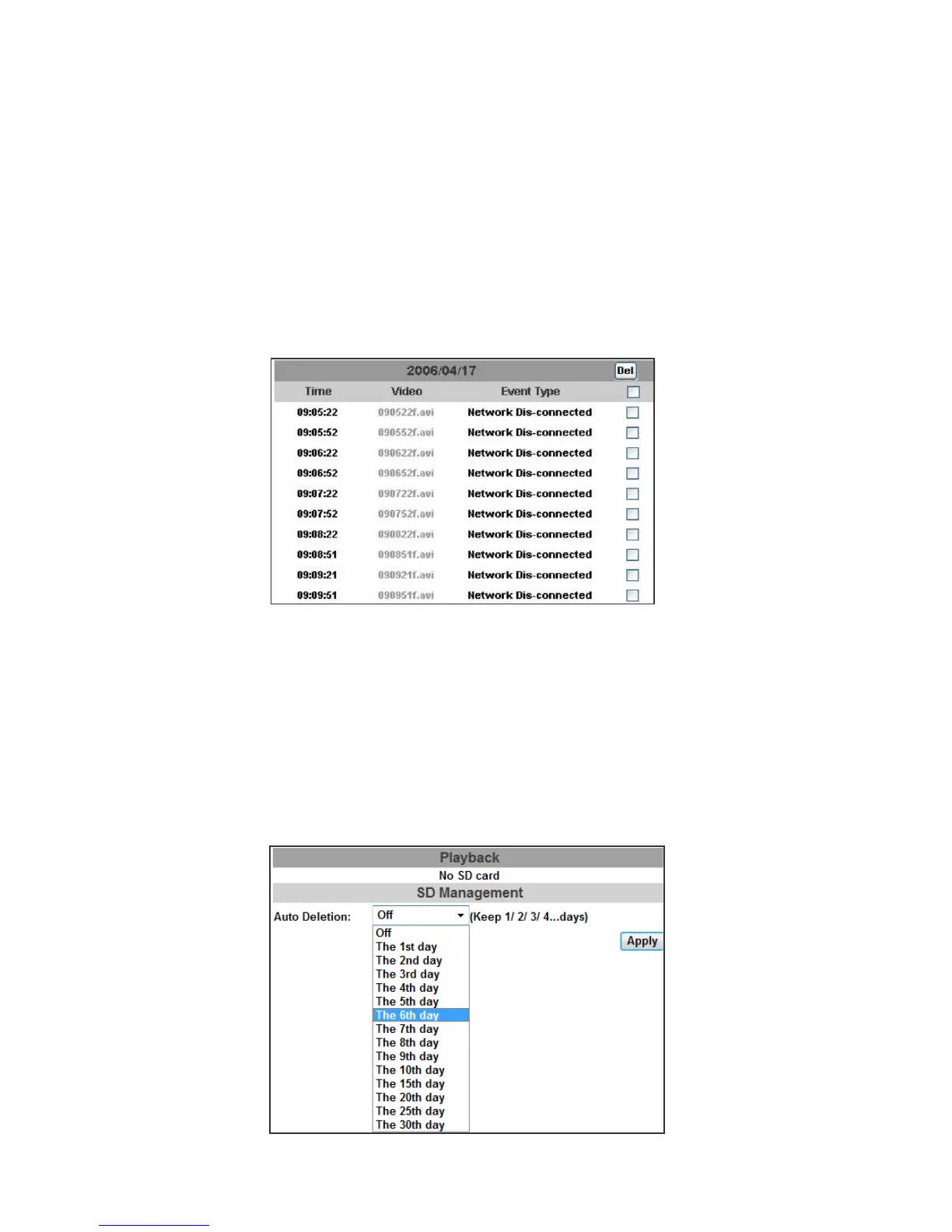
Click the date listed on this page, and it shows the list of the video. The
video format is AVI. Click the video to start Microsoft Media Player to play
it. To delete the video, check it, then click "Del".
b. SD Management
"Auto Deletion” means the recoding files will be deleted after several
days as you selected.
Example: If “The 2st day” is selected, then the recording file at
2012/11/21 5:00AM will be deleted from SD card at 2012/11/23 5:00AM.
That is, if the user check the SD card at 2012/11/21 5:00AM, he can only
find the recording files between 2012/11/19 5:00AM ~ 2012/11/21 5:00AM.
The oldest file will be deleted if the SD card is full.
Note
:
The use of the SD card will affect the operation of the IP Camera
slightly, such as affecting the frame rate of the video.



 To Next Page