• Cold Start: The camera starts up or reboots.
• Setting changed: The SNMP setting is changed.
• Network Disconnected: The network connection was broken down.
(The camera will send trap messages after the network being
connected again)
• V3 Authentication Failed: A SNMPv3 user account tries to get
authentication but failed. (Due to incorrect password or community)
• SD Insert / Remove: A Micro SD card is inserted or removed.
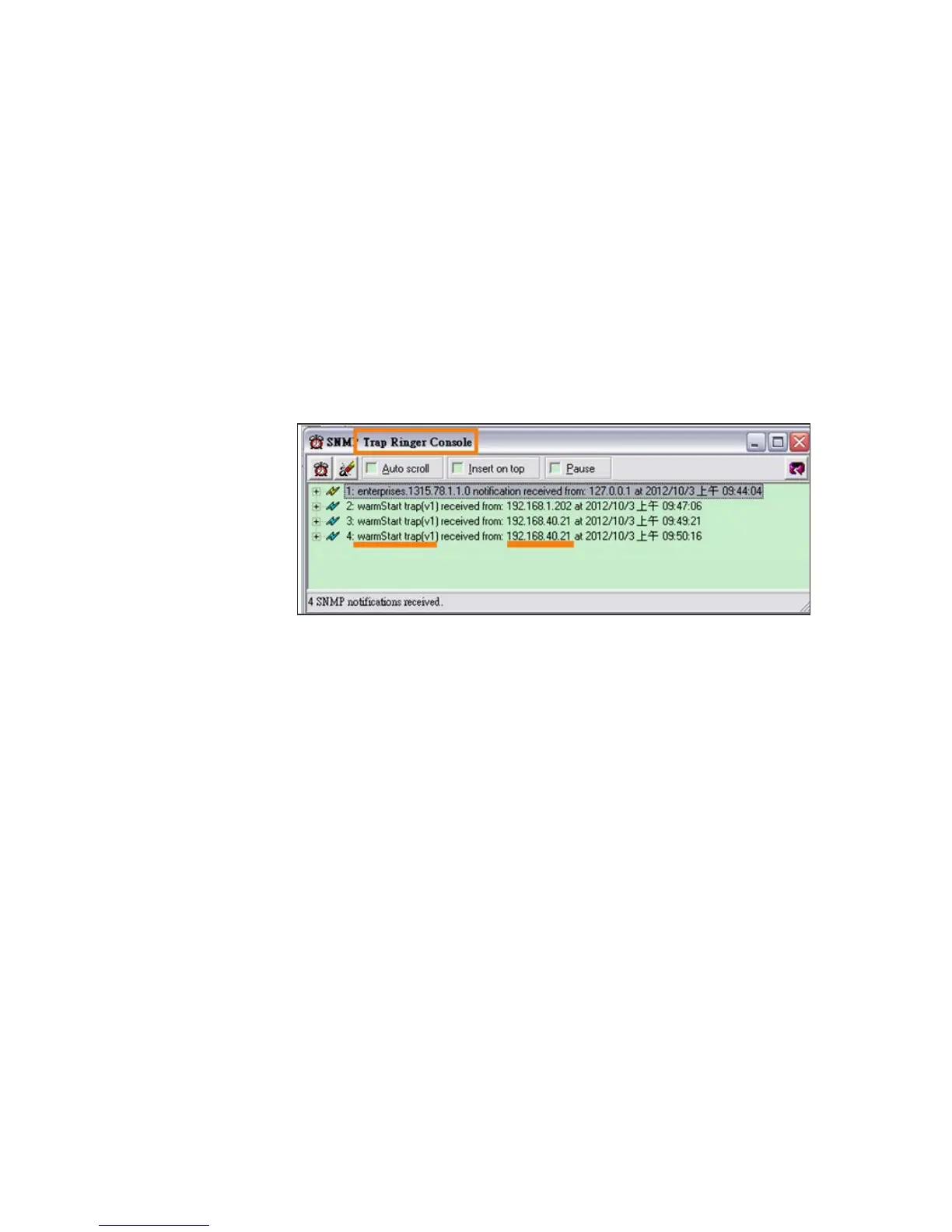
• Example:
Open the MIB Browser. Use SNMPv1 or SNMPv2 to access
the camera. When the SNMP setting is edited, Manager ’s MIB
Browser(192.168.40.159) will receive the trap message of “setting
change“ from IP Camera (192.168.40.21).



 To Next Page