11
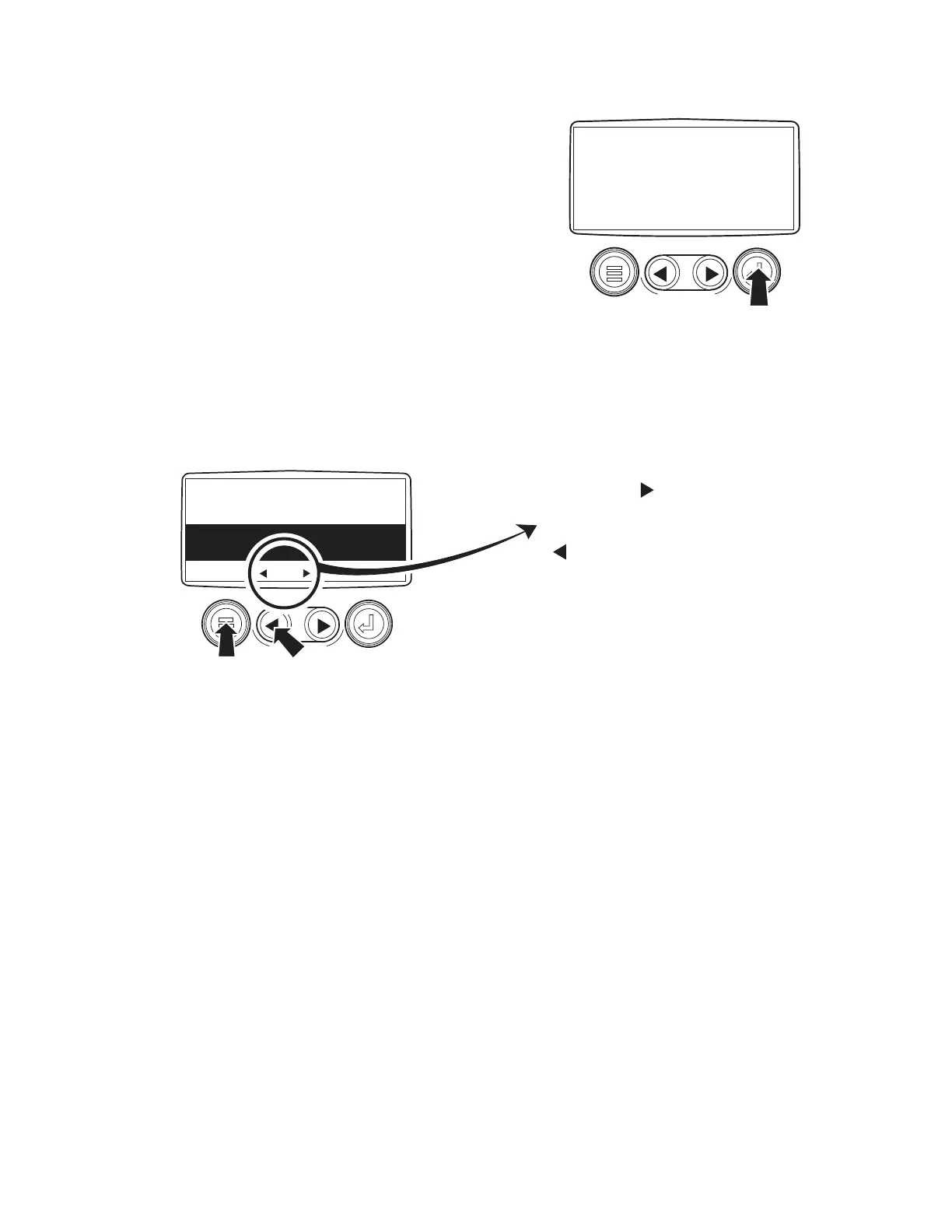
4. Once the stored fault codes have been
retrieved, the initial code will be displayed
along with a text description. See Figure 7.
5. If the word "MORE" appears at the bottom
of the display, this indicates that there are
additional fault codes being stored. Use the
Right Arrow key to advance to the next code.
6. As long as the arrow appears to the right of
the word "MORE" as you advance through
the fault codes, this means there are more
codes available for viewing. When the arrow
shifts to the left of the word "MORE", this is
an indication that you have accessed the final
fault code being stored. At this point you
can touch the Left Arrow Key to review the
fault codes or touch the Menu Key to return
to the Main Menu.
ENTER
KEY
REQUESTING
FAULT CODES
SHUTDOWN
WARNING
SPN110 FMI10
HIGH COOLANT TEMP
MORE HIDE
MORE
MORE
This Means There Are
More Stored Fault Codes
This Means There Are No
More Stored Fault Codes
MENU
KEY
TO REVIEW STORED
FAULT CODES
Figure 6 - Access Stored Fault Codes
Figure 7 - Stored Fault Codes



 To Next Page