13 Get to know your terminal
Switching the terminal on and off
To switch the terminal on:
> Connect the power supply cable to the power
pack and plug it into the terminal.
> Connect the telephone cable or Ethernet cable
and switch the terminal’s power on at the wall.
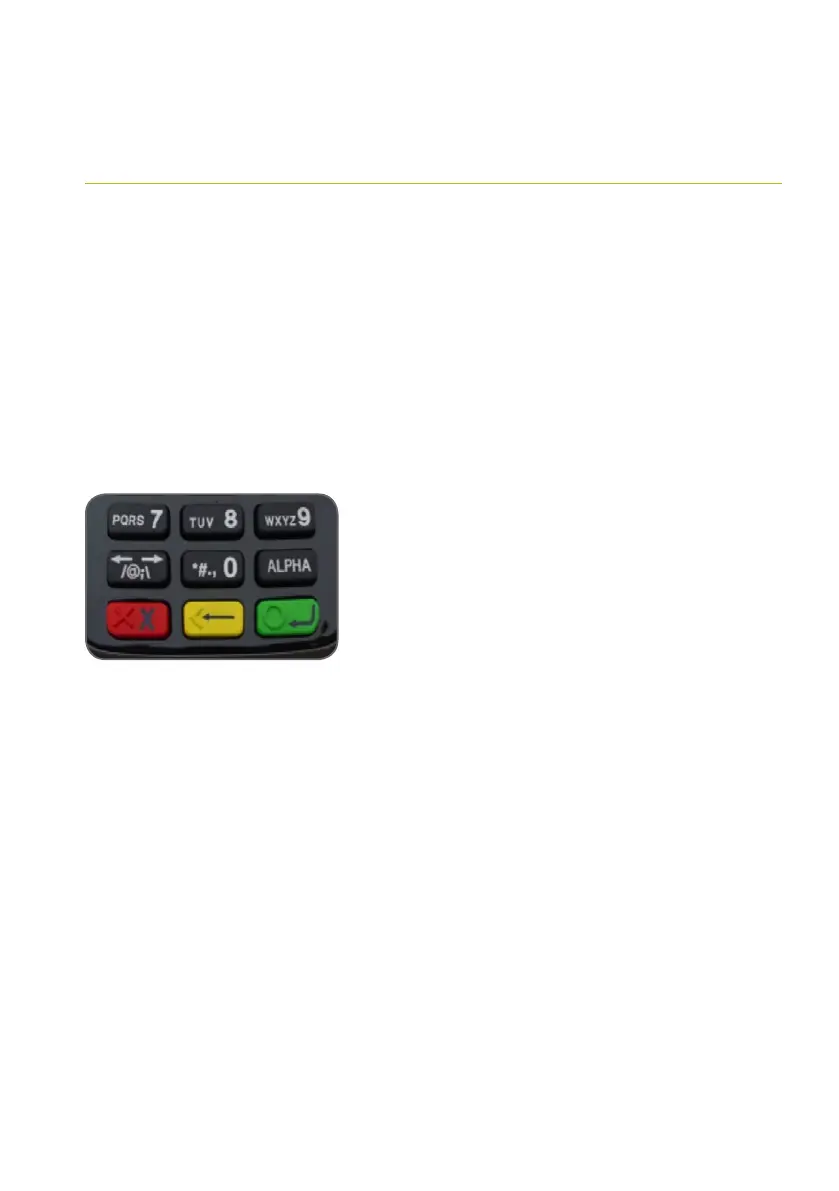
> Hold down the red X key until the screen
is formatting
> When powered on, your terminal will display the
application main screen before returning to the
idle state.
Do not disconnect your terminal’s power supply
or communication line unless instructed to do so
by the Help Desk. The terminal is now ready for
operation.
To switch the terminal off, hold down the red X key
until you are prompted with the power off option
on the screen.



 To Next Page