76 Operating your EFTPOS terminal
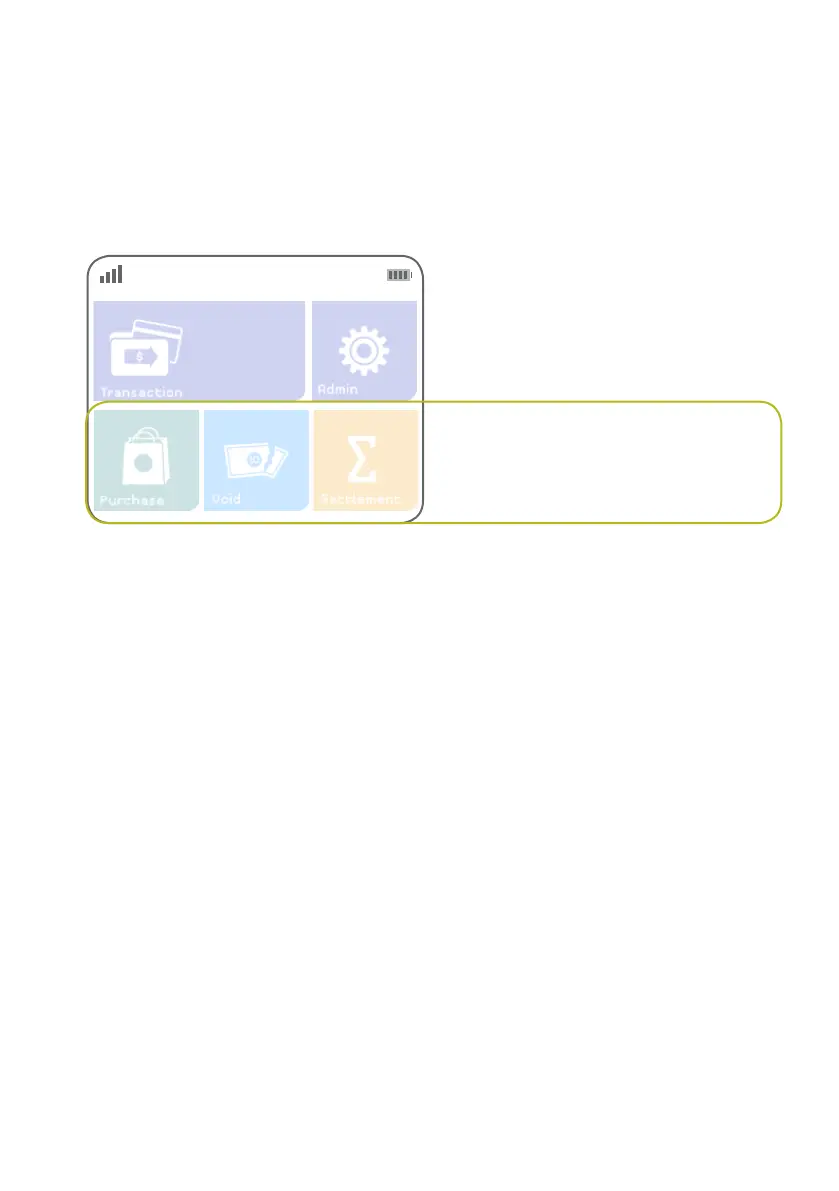
Hot keys
There are three programmable hot keys that can be set to execute certain functions from the terminal’s
idle screen.
Hot keys provide faster access to frequently used functions.
Hot key assignment options
Once assigned, pressing a function’s hot key will have the same effect as selecting its equivalent key from
the Transaction menu. The following functions can be assigned as hot keys.
> Cashout
> Checkout
> Purchase-ECI
> Purchase-MOTO
> Pre-auth
> Purchase
> Refund
> Settlement
> Tip-addition
> Void
Conguration of hot keys is controlled centrally by First Data and cannot be changed on a terminal.
Programmable hot
keys



 To Next Page