16 Get to know your terminal
First Data mobile EFTPOS terminal
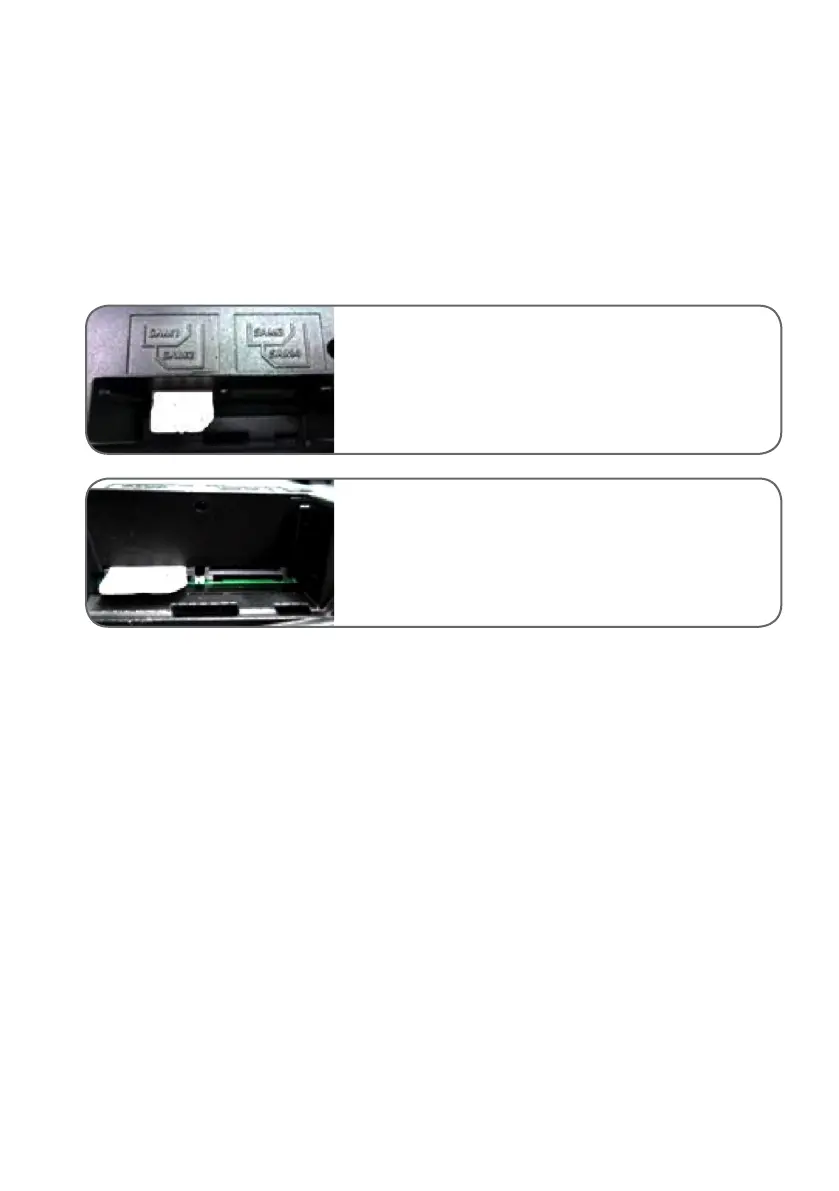
Installing the SIM card
The mobile EFTPOS terminal comes with a pre-installed SIM card, so you should not need to install a SIM. If
you are instructed to remove the SIM by the helpdesk, please use the following reinstallation steps.
Turn your mobile EFTPOS terminal off before replacing the
SIM card.
There are four SIM slots on the left side of the device.
Insert the SIM card in the appropriate slot.
Make sure the SIM card is inserted in the correct
direction, as shown.



 To Next Page