48 Operating your EFTPOS terminal
Mail order/telephone order (MOTO)
Mail order and telephone order (MOTO) merchants are authorised to manually key credit card transactions.
The terminal will automatically default to ‘Credit’ as the account type whenever you manually enter card
numbers. Should you attempt to manually key a debit card number, the terminal will reject the transaction.
The MOTO process is similar to a normal purchase (or refund) that involves manually entering card details.
However, as the physical card and customer are not present at the point of sale, you should gather and
record as much customer information as possible before processing a MOTO transaction.
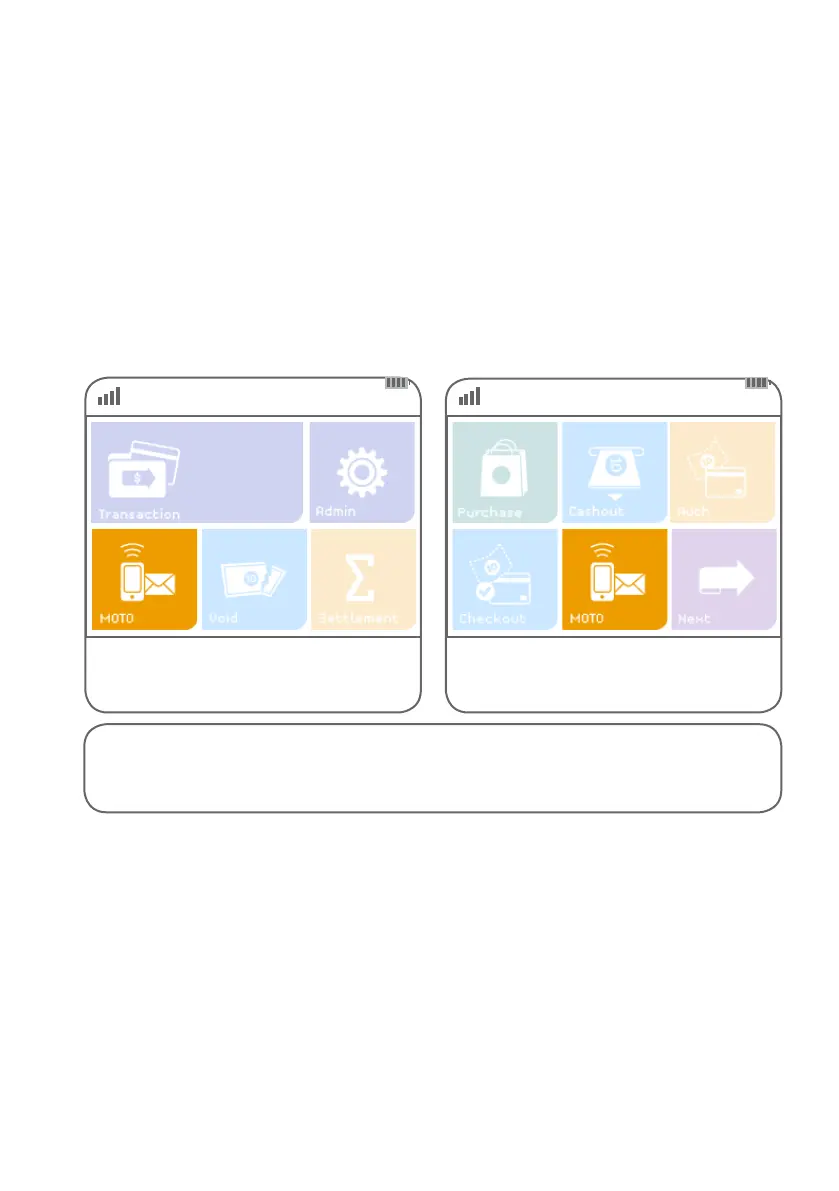
Step 01 Step 02
Alternatively, if ‘MOTO’ is not a congured hot
key, select ‘Transaction’, then select ‘MOTO’
from the transaction list.
Select ‘MOTO’ from the main screen
if it is congured as a hot key.
(Refer to page 68 for details.)
Instructions continue on next page >



 To Next Page