51 Operating your EFTPOS terminal
Electronic commerce interface (ECI)
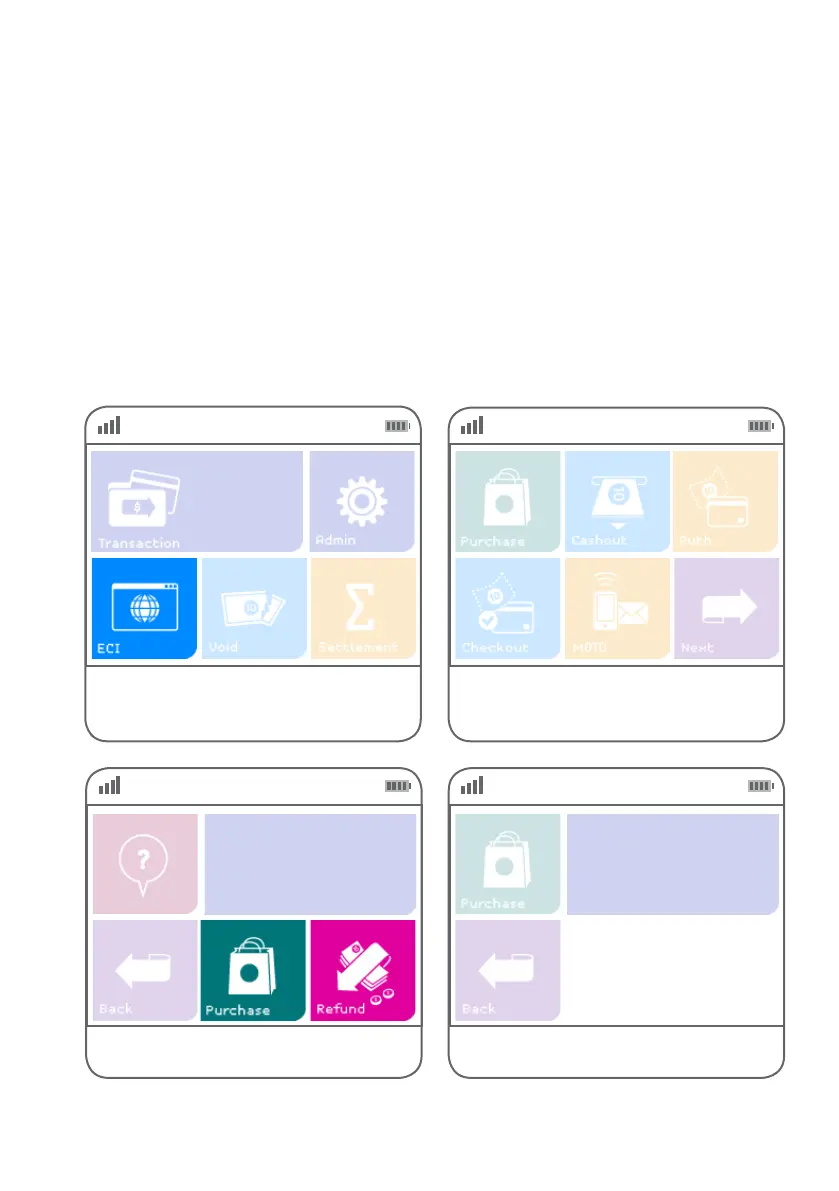
Step 01 Step 02
Alternatively, if ‘ECI’ is not a congured hot key,
select ‘Transaction’, then select ‘ECI’ from the
transaction list.
Select ‘ECI’ from the main screen if
it is congured as a hot key.
(Refer to page 70 for details.)
An electronic commerce interface (ECI) transaction occurs when a customer orders goods or services from
a merchant via a web-based interface or e-commerce platform and the customer and their card are not
present at the merchant outlet. The merchant must key the card number into the terminal to process the
purchase or refund transaction.
The process is similar to a normal purchase (or refund) with manual entry of card details. However, as the
physical card and customer are not present at the point of sale, you should gather and record as much
customer information as possible before processing an ECI transaction.
ENTER
$0.00
Enter Amount
ECI-Purchase



 To Next Page