50 Operating your EFTPOS terminal
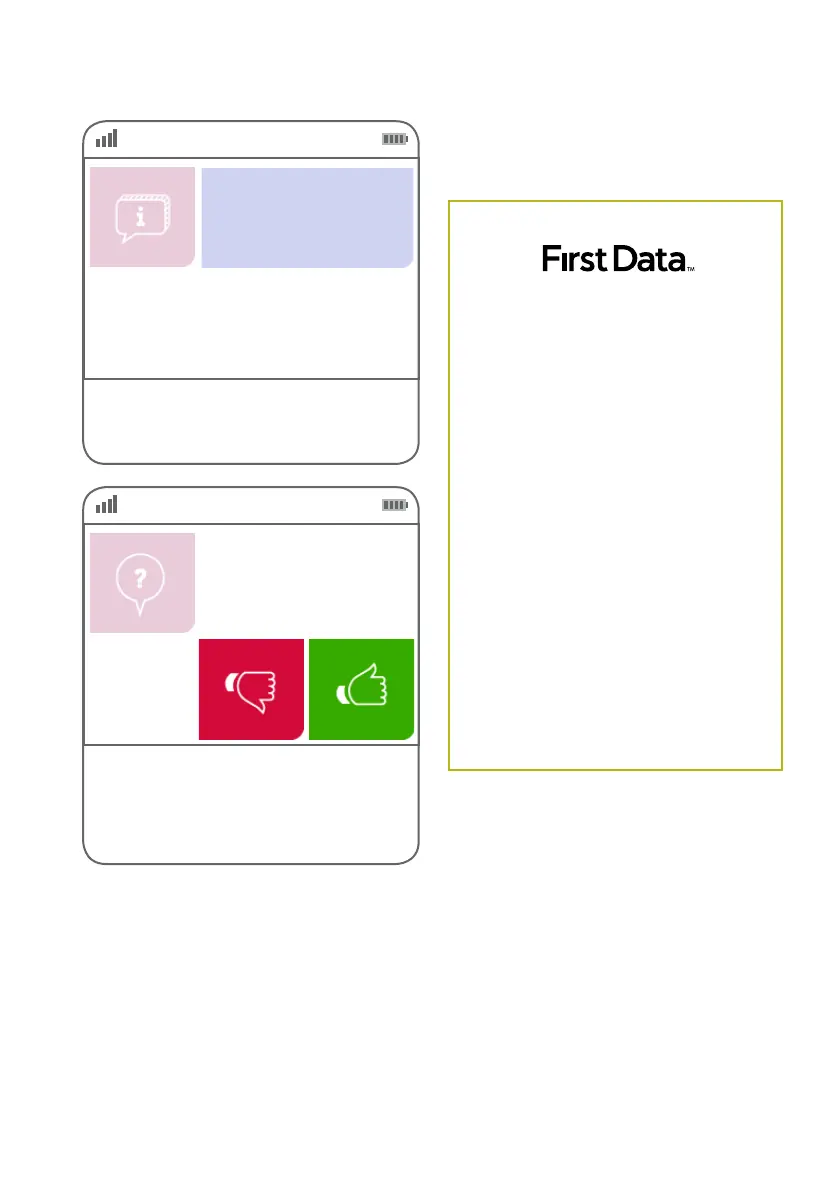
Step 09
This screen indicates the terminal is attempting
to process the transaction.
EFTPOS in progress.
Please wait
Step 10
If the customer requires a copy of the receipt,
press the green ‘thumbs up’ button.
If the customer does not require a copy of the
receipt, press the red ‘thumbs down’ button.
Customer copy?
Note: Graphic will only print on the customer
copy of the receipt.
MERCHANT ID 4229851 2345678
TERMINAL ID
12345678
INV NO
000012
ACCOUNT TYPE Credit
MASTERCARD
……..4221(s)
10/15
MOTO PURCHASE
$99.00
TOTAL AUD $99.00
APPROVED 00
XXXX Merchant
123 Sydney Street
North Sydney NSW 2060
Merchant Copy
28 OCT 2015 16:00:22
Example of a MOTO
transaction record
First Data



 To Next Page