40 Operating your EFTPOS terminal
Cancel transaction
Step 05
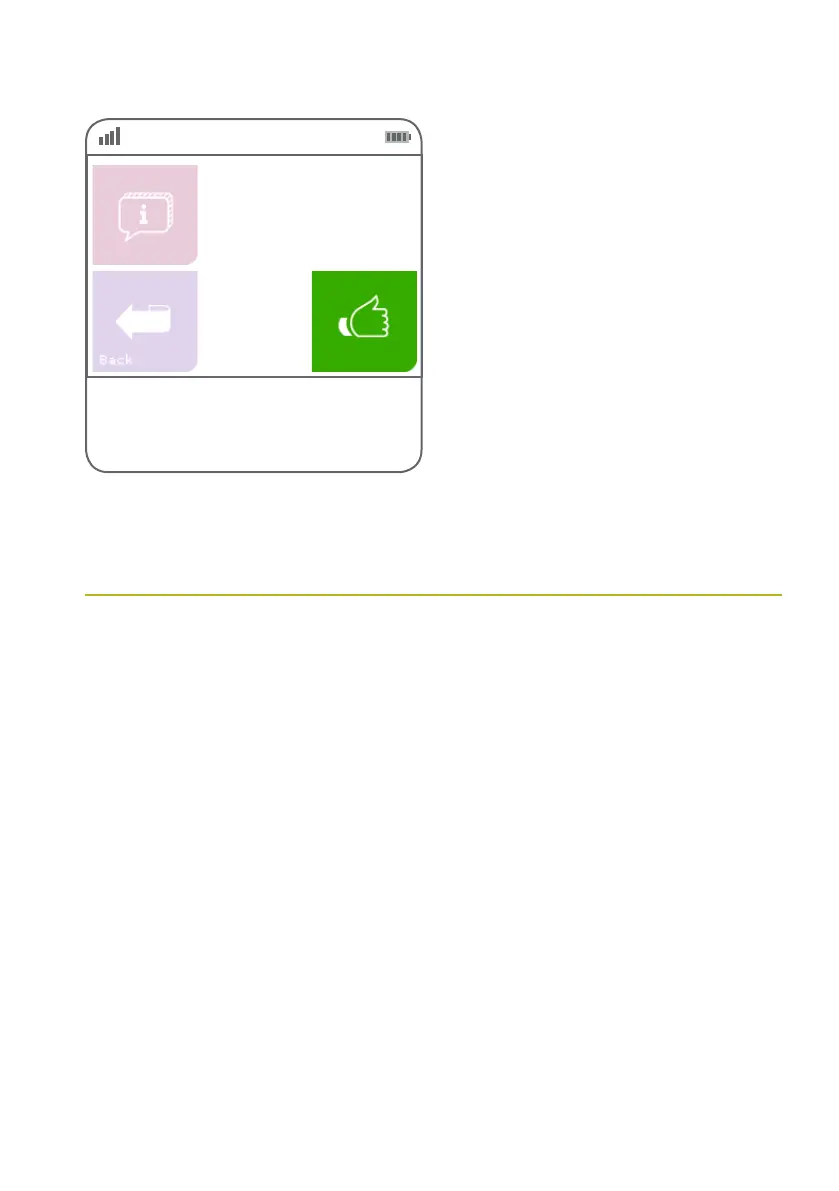
Press the green ‘thumbs up’ button to re-print
the receipt or press the ‘Back’ button to return
to the transaction list.
Inv # NNNNNN
Card
NNNN
Amount
$$.$$
Date dd/mm/yyyy
A transaction may be cancelled at any time before
the customer presses the green ENTER key or OK
for the PIN entry.
Pressing the red CANCEL key will cancel the
transaction and return the terminal to its idle state.
Once a customer has entered their PIN and
pressed ENTER, the transaction has been
completed and you will need to perform a refund
or void transaction if the customer needs to alter
their purchase.



 To Next Page