12 Get to know your terminal
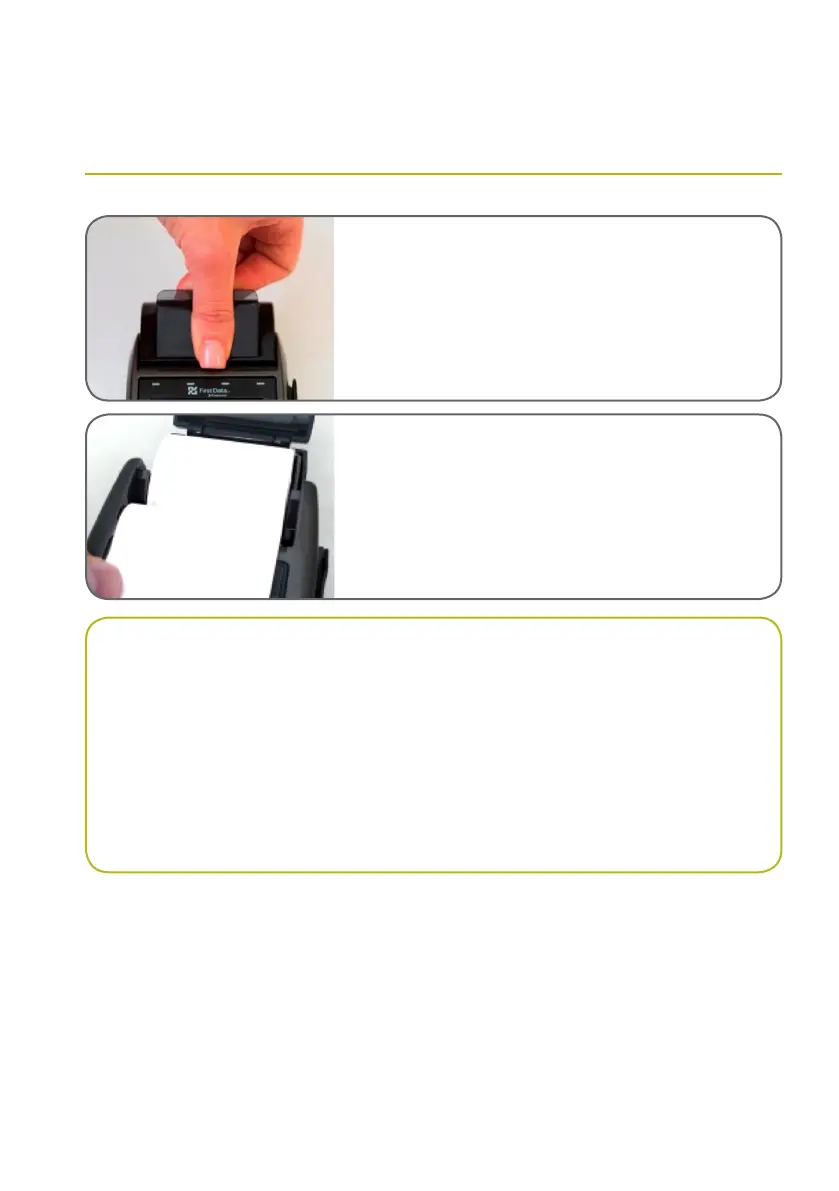
Loading receipt paper
01 — Open the printer cover by gently pulling the printer
cover’s latch, then lift the cover away from the printer.
02 — Load a roll of thermal paper into the printer.
03 — Ensure the roll will feed out of the terminal so that
the print side of the paper faces the operator.
04 — Close the cover by pressing down evenly on both side
tabs, or by pressing on the centre of the printer cover.
05 — Use the serrated bar to tear off any excess paper.
IMPORTANT
Always store thermal paper for your terminal in a dry, dark area.
Handle thermal paper carefully. Impact, friction, temperature, humidity and oils can affect the
colour and storage characteristics of the paper.
Never load a roll of paper that has folds, wrinkles, tears or holes at the edges of the print area.
Please call First Data on 1300 664 660 for all stationery orders.



 To Next Page