39 Operating your EFTPOS terminal
Reprint last receipt
This section describes how to reprint the last receipt printed.
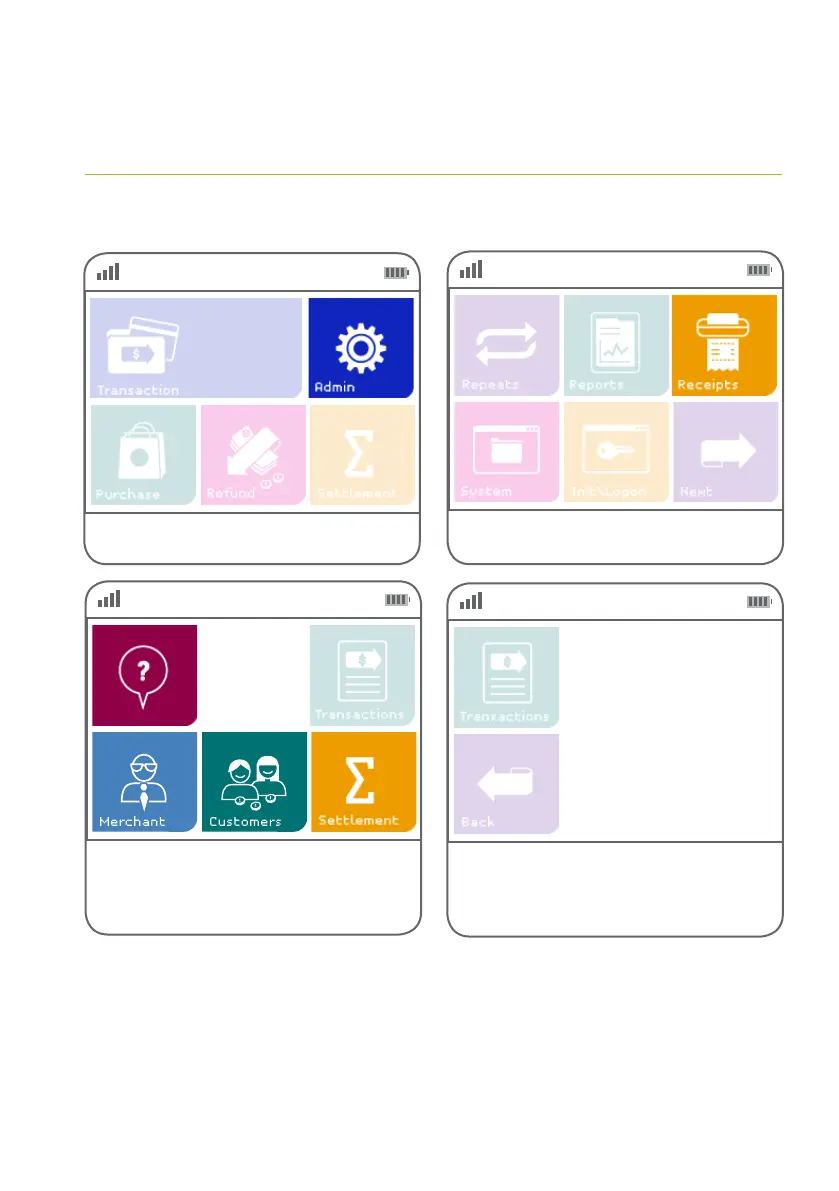
Step 01
Step 02
Step 03
Step 04
Select ‘Receipts’.
Select ‘Merchant’, ‘Customer’ or ‘Settlement’
to re-print the most recent receipt.
Select ‘Search’ to look for other receipts.
Select the required transaction
from the list or press the ‘Back’ button
to return to the main receipt screen.
Select ‘Admin’.
N. DD/MM INV No



 To Next Page