14 Get to know your terminal
Communications setup
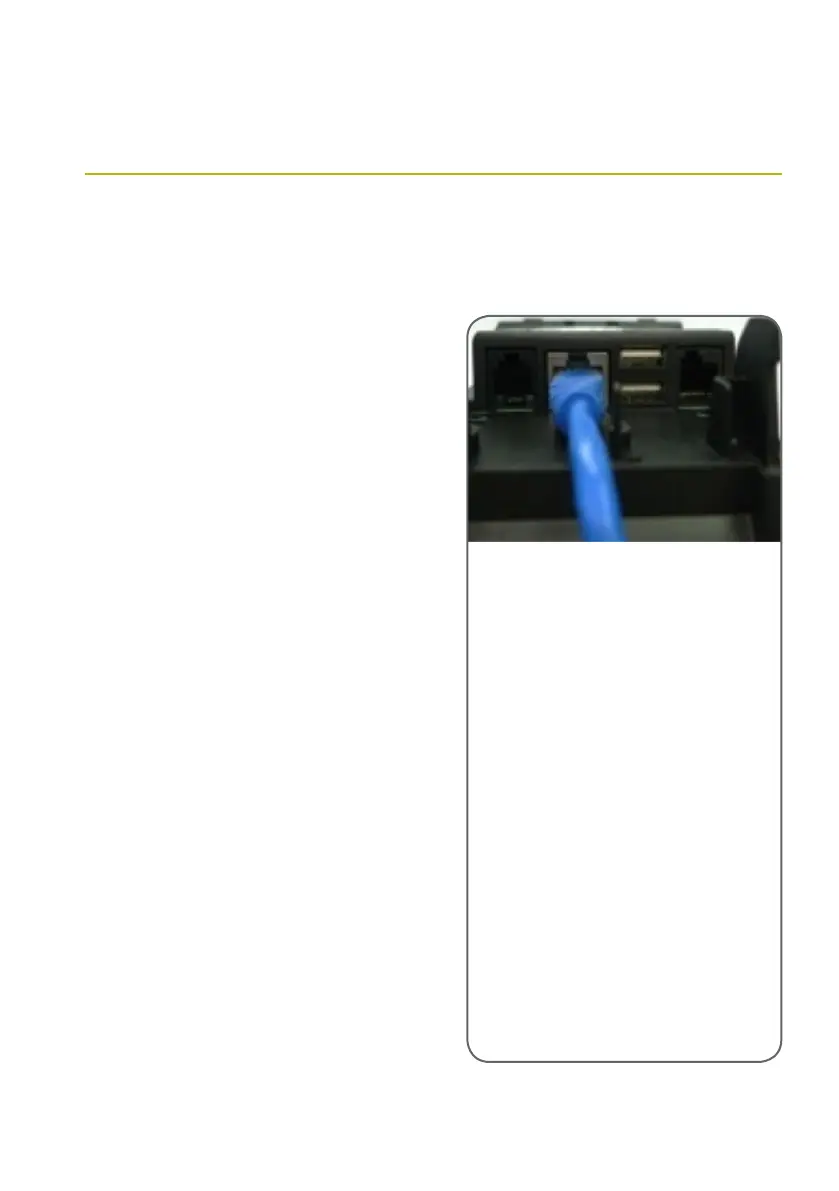
To connect the terminal to your
broadband internet connection:
> Ensure that Ethernet cabling
is available where the terminal
is going to be installed.
> Plug an Ethernet cable into the
Ethernet port on the back of the
terminal and connect the cable’s
other end to the router.
> Once the Ethernet cable connects
the First Data countertop EFTPOS
terminal with your router, the lights
on the back of the terminal next to
the Ethernet port should ash to
indicate a connection.
> If the lights fail to turn on, there is
no connection between the First Data
countertop EFTPOS terminal and your
router. Please check your cable and
router to restore connectivity.
First Data countertop EFTPOS terminal
IP/Broadband
Please contact the helpdesk on 1800 243 444
to activate your First Data countertop EFTPOS
terminal for transactions over a broadband
connection.
To use the First Data countertop EFTPOS terminals
over a broadband connection, you will need to
have Internet access and a router that has at least
one spare Ethernet port for each terminal you use.
Your router will need to have dynamic host
conguration protocol (DHCP) turned on. If your
router does not support DHCP, please contact
the helpdesk on 1800 243 444 to congure your
terminal for use with a static IP address. If your
connection has a rewall in place, you will need
to open ports 4108 and 443.
The First Data EFTPOS terminal is capable of processing transactions through a broadband Internet
connection as well as a standard phone line.



 To Next Page