33 Operating your EFTPOS terminal
Step 09
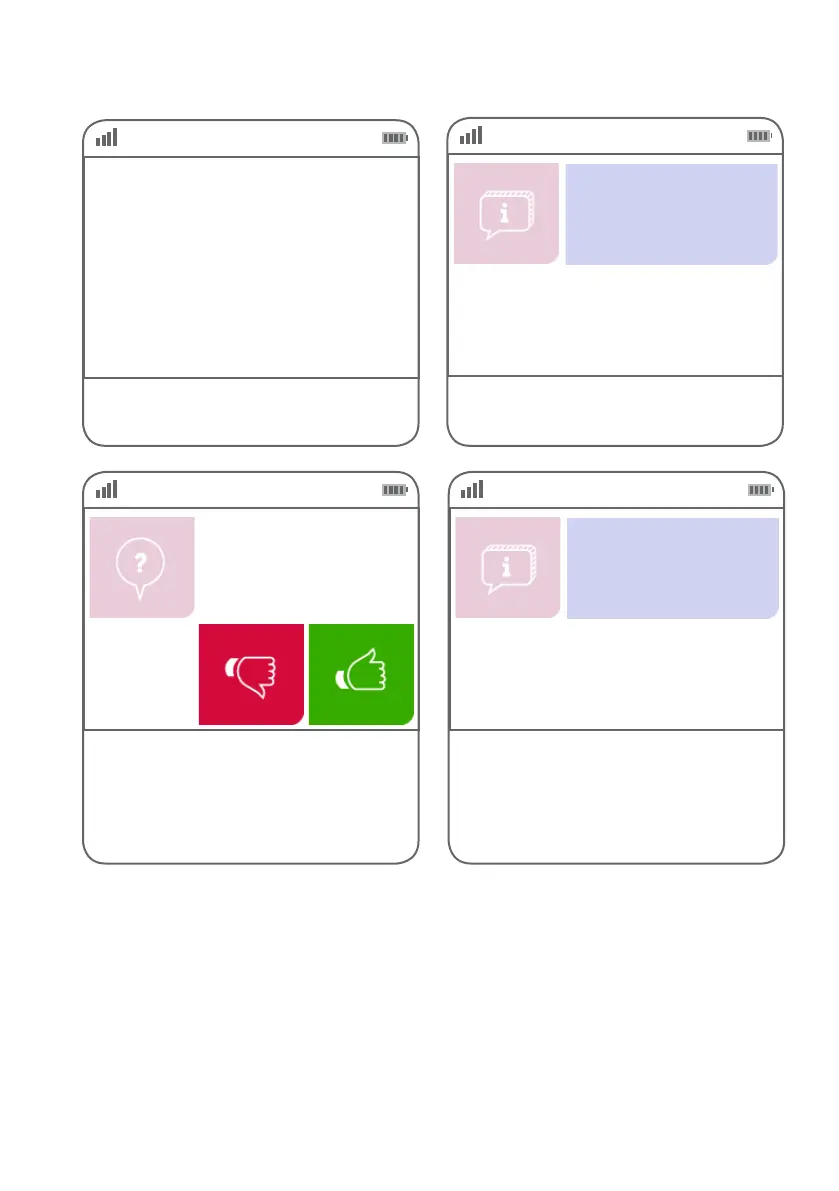
If the customer requires a copy of the receipt,
press the green ‘thumbs up’ button.
If the customer does not require a copy of the
receipt, press the red ‘thumbs down’ button.
Customer copy?
Step 08
Step 07
Step 10
This screen indicates the terminal is attempting
to process the transaction.
Ask the customer to key in their PIN.
If the customer used a chip card to process the
transaction, you can now remove the chip card.
EFTPOS in progress.
Please wait
$NN.NN
Enter PIN
Remove card
IMPORTANT
Please ensure that you check the transaction is approved before completing the sale. Hand the customer
their copy of the transaction record, their card and any cash out requested. If the transaction is rejected,
the terminal will display an error message giving the reason. Communicate this reason with the customer.



 To Next Page