43 Operating your EFTPOS terminal
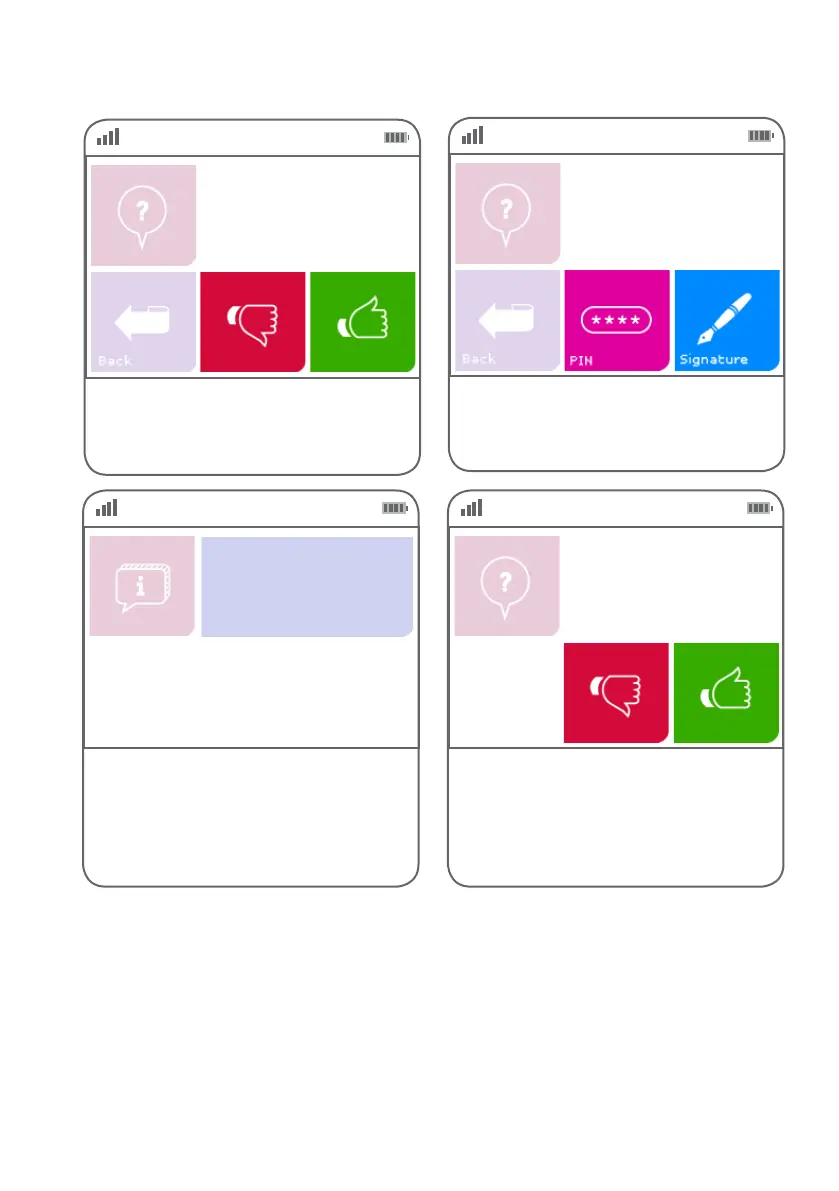
Step 05
Select the green ‘thumbs up’ button if the
pre-authorisation amount is correct or the
red ‘thumbs down’ button if you wish to
cancel the transaction.
PreAuth $$.$$
Total: $$.$$
Step 06
Ask the customer if they would prefer to enter
their PIN or sign the receipt. Press ‘PIN’ or
‘Signature’ accordingly.
PIN or Sign?
Step 07
This screen indicates the terminal is attempting
to process the transaction.
EFTPOS in progress.
Please wait
Step 08
If the customer requires a copy of the receipt,
press the green ‘thumbs up’ button.
If the customer does not require a copy of the
receipt, press the red ‘thumbs down’ button.
Customer copy?



 To Next Page