60 Operating your EFTPOS terminal
Step 05 Step 06
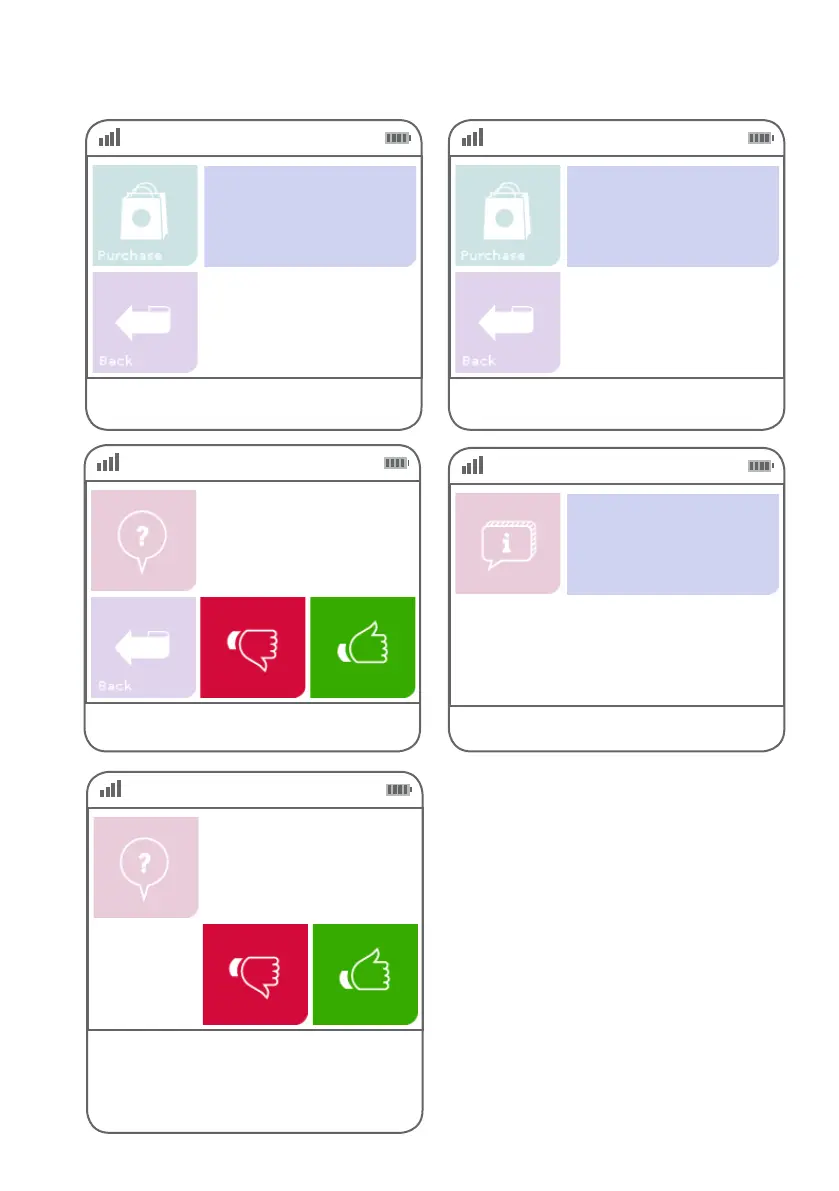
Conrm purchase amount and press ENTER. Key in the tip amount and press ENTER.
$0.00
Verify Amount
$0.00
Enter Amount
Tip
Step 07
Press the green ‘thumbs up’ button to continue or
the red ‘thumbs down’ button to cancel the tip.
Purchase: $$.$$
Tip: $$.$$
Total: $$.$$
Step 08
This screen indicates the terminal is attempting
to process the transaction.
EFTPOS in progress.
Please wait
Step 09
If the customer requires a copy of the receipt, press
the green ‘thumbs up’ button. If the customer does
not require a copy of the receipt, press the red
‘thumbs down’ button.
Customer copy?



 To Next Page