79 Operating your EFTPOS terminal
Step 05
Step 08
Key in your password and press ENTER.
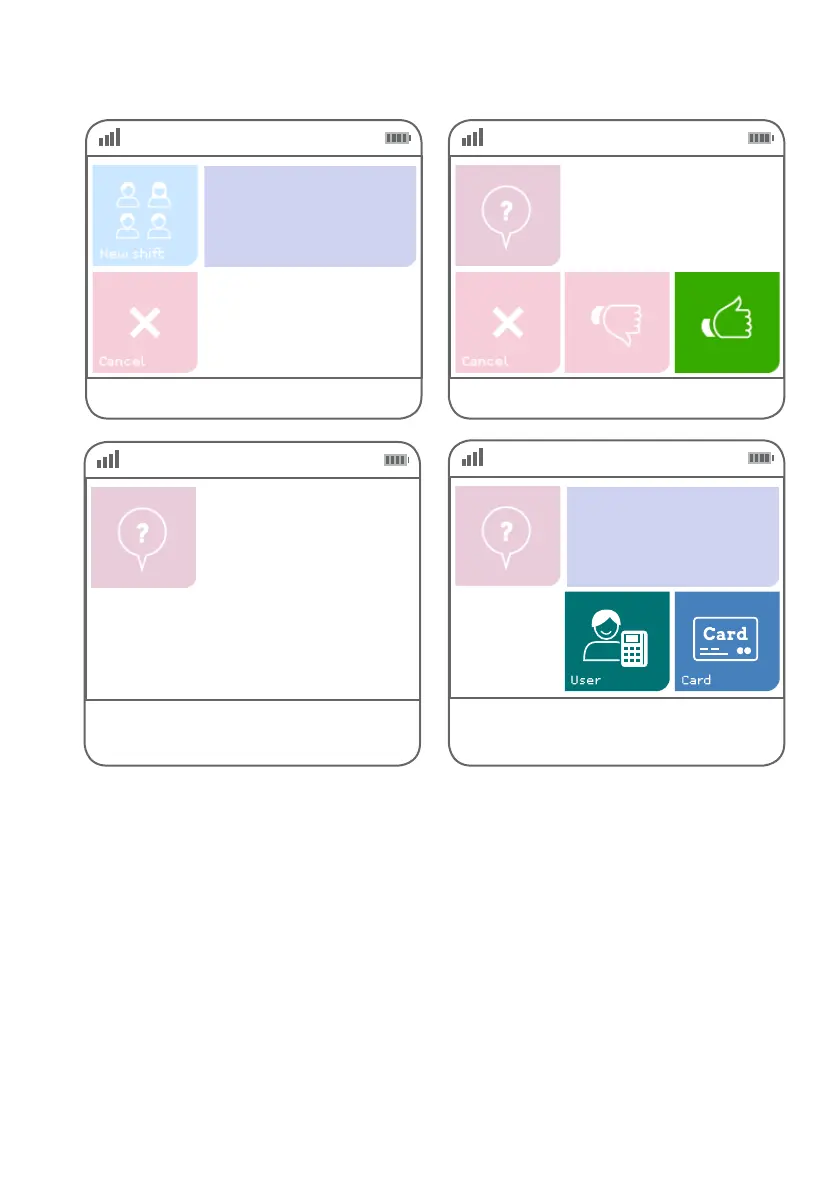
Select ‘User’ to print shift totals by user.
Select ‘Card’ to print shift totals by card.
User Password
****
Step 06
Step 07
Select the green ‘thumbs up’ button.
Select the Merchant, if prompted.
Start Shift?
<<Merchant>>
<<Merchant>>



 To Next Page