SD
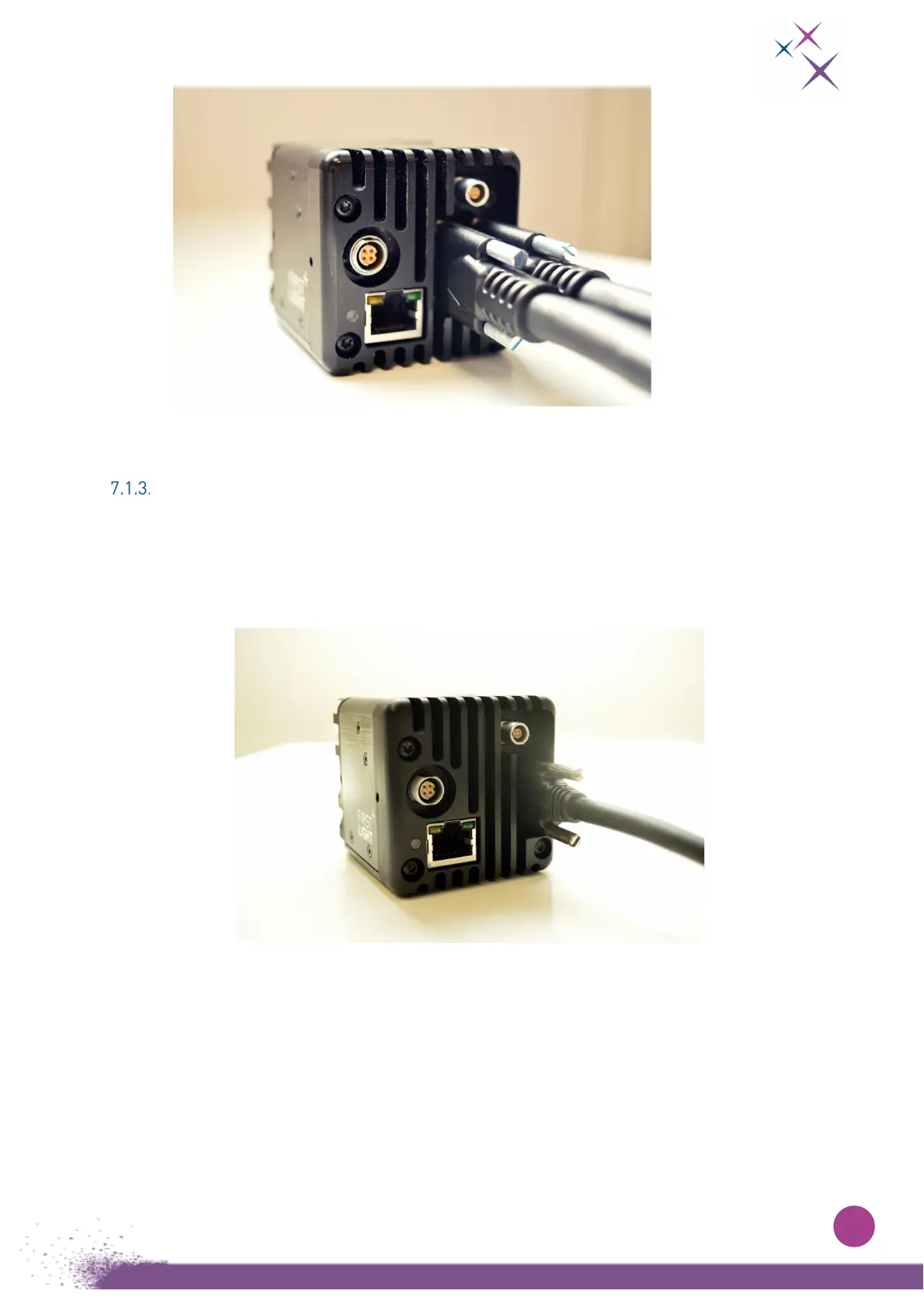
R-26 Mini Camera Link® connectors plugged in the camera
.
USB connection (for C-RED 3 USB only)
T
he USB connection is done using a USB-B connector located on the rear side of the camera.
The camera only supports USB 3.0 connection.
N
ote that USB-A 3.0 compliant connectors are typically blue on standard PC.
Figure 8:
USB3 cable connected plugged in the camera.
T
o use the camera USB connection, it is strongly recommended to use a Windows
®
10 PC.
For convenience, drivers for Windows
®
7 OS are provided, but this OS is not officially supported by First
Light Imaging.
Si
nce Windows
®
7 does not support USB 3.0 natively, USB 3.0 support is heterogeneous, and
performance is hardly predictable. Please note that First Light Imaging will not provide any support for
issues regarding the use of Windows
®
7.


 To Next Page