General operation
Seite/Page 166 - Kaptitel/Chapter 11: General operation 15.2.13
sufficient speed. This leads to severe motor damage.
Open the sea valve as soon as the generator is started.
11.3.3.3 Override mode
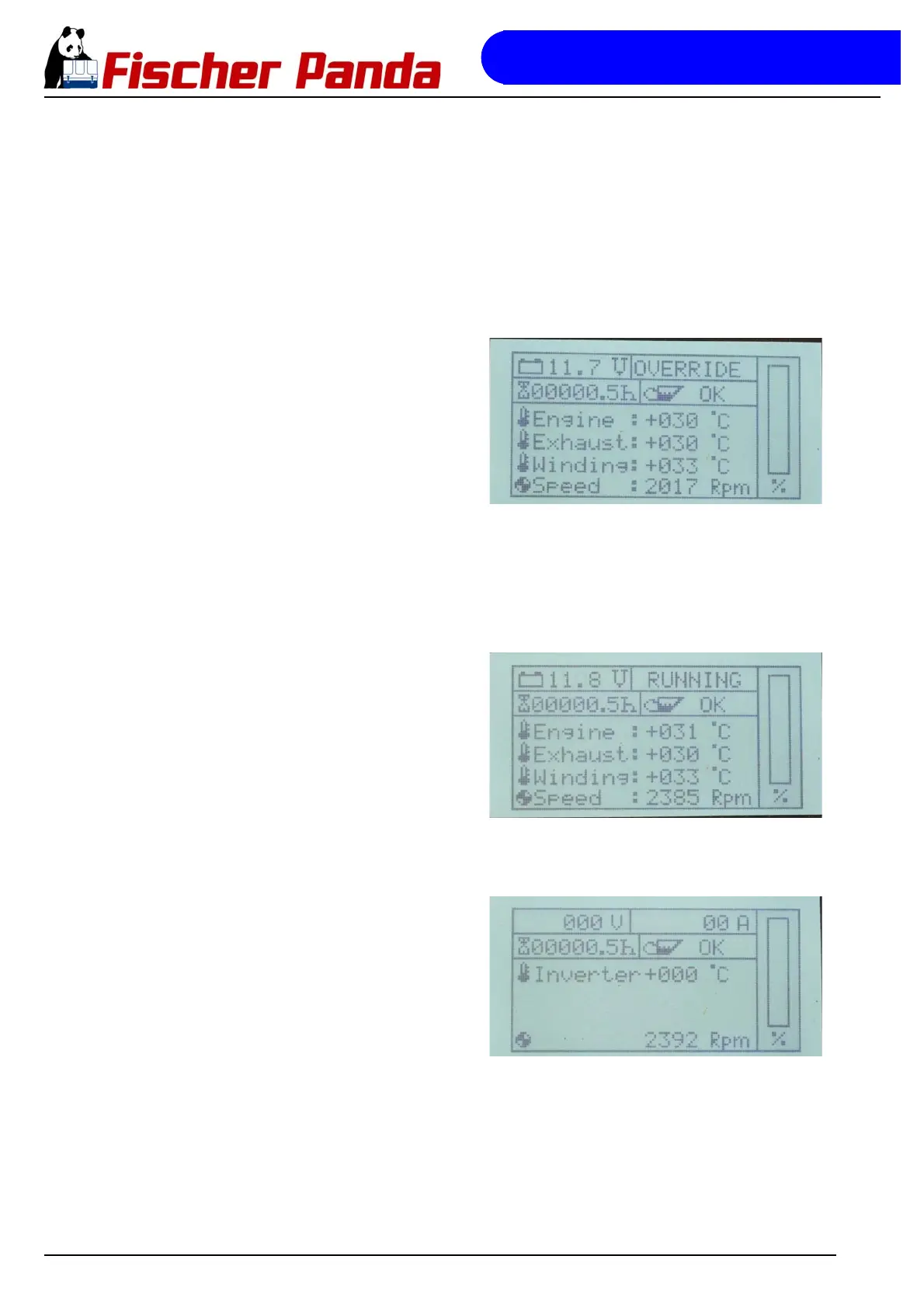
The override mode follows directly after the successful start-up of the generator. In this mode, no fault analysis is
performed. The duration of the override mode is 10 seconds. The status indicator on the display reads
"OVERRIDE".
Fig. 11.3.3.3-1: Default display screen in override mode
11.3.3.4 Operation mode
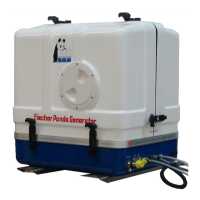
Operation mode signifies the operating mode in which the generator is running and all operating data are within their
normal range. The status field of the default display screen shows "RUNNING".
Fig. 11.3.3.4-1: Default display screen in operation modeIn operation mode, the electrical load is given on the
right hand side of the default display screen and in the
inverter screen as a bar graph. The bar graph merely
provides a guide value for the load of the generator and
gives the values as a percentage.
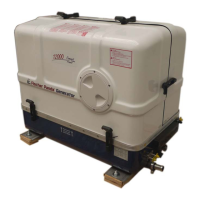
Display screen for single phase generators
Fig. 11.3.3.4-2: Inverter screen in operation modeWith the single phase i-series generators, there is an
additional screen in operation mode for the inverter data.
This screen provides the current inverter output voltage
and the inverter temperature. You can access the
inverter screen by actuating the cursor-up button while
in operation mode.



 To Next Page