EasyManua.ls Logo

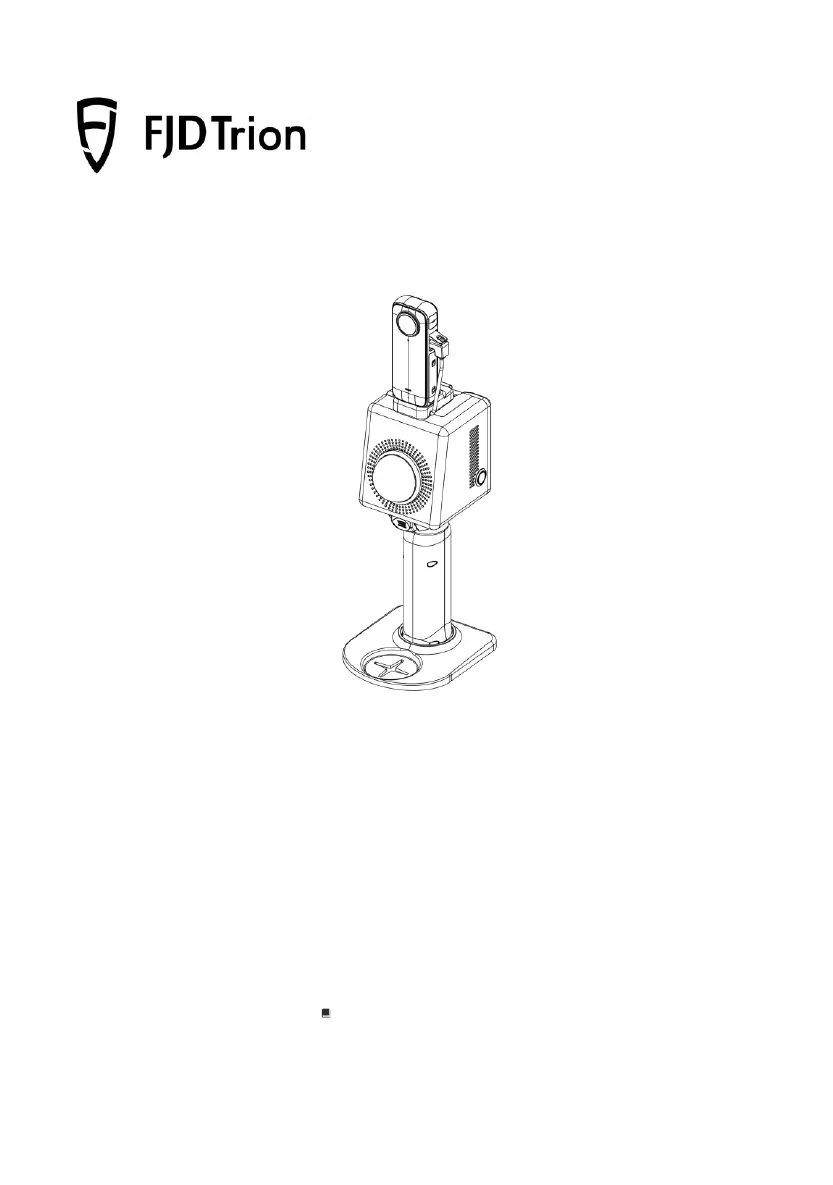
FJDynamics FJD Trion P1 - User Manual

FJDynamics FJD Trion P1
39 pages
Print Icon
To Next Page IconTo Next Page
Loading...
FJD Trion P1 LiDAR Scanner
User Manual
October 28, 2023 | Rev. 1.0
© 2023 FJDynamics. All rights reserved.

Questions and Answers

Summary

Safety Instructions

Laser Safety

Device complies with laser safety standards IEC 60825-1 and 21 CFR 1040.10/11.

Device Operation Safety

Avoid covering charger, blocking LiDAR rotation, and repeatedly plugging/unplugging cables.

Battery Operation Safety

Do not immerse batteries in water, store them properly, and charge with the provided charger.

Overview

Introduction

Provides an overview of the FJD Trion P1 LIDAR scanner, including its components and features.

Specifications

Lists detailed technical specifications of the FJD Trion P1 LIDAR scanner, including dimensions, accuracy, range, and more.

First Use

Assembly and Connection

Instructions for assembling the FJD Trion P1 LIDAR scanner and connecting its components, including the base, handle, and camera.

Software and Hardware Interaction

Covers starting the device, connecting to Wi-Fi, and initial setup procedures.

Using the Camera

Details on camera settings, calibration procedures (3.3.2-3.3.3), and colorizing point clouds (3.3.4) for enhanced data visualization.

Suggestions

Environments

Guidance on using the P1 LIDAR scanner in various environments, including indoor, outdoor, and underground scenarios.

Loop Closure

Best practices for loop closure to ensure mapping accuracy and minimize cumulative errors during scanning.

Transitioning Between Environments

Tips for transitioning between rooms, indoor-outdoor, and making U-turns to maintain scanning quality.

Holding Instructions

Proper techniques for holding the P1 LIDAR scanner to maximize feature capture in different scanning conditions.

Walking Speed

Recommended walking speeds for different environments to ensure effective scanning and data accuracy.

Scanning Range

Information on the effective scanning range of the P1 LIDAR, including minimum and maximum distances for optimal data capture.

Scanning Duration

Guidelines for dividing large surveys into manageable scan tasks to optimize map size and avoid storage failures.

Special Scenario

Advice for scanning specific challenging scenarios like narrow corridors with smooth walls for improved mapping accuracy.

Maintenance and Troubleshooting

Maintenance

Procedures for cleaning, handling, and general upkeep of the FJD Trion P1 LIDAR scanner to ensure its longevity.

Common Faults and Solutions

Identifies common operational issues with the P1 LIDAR scanner and provides step-by-step solutions for resolution.

Waste Disposal

Instructions for environmentally safe disposal of the product and its electronic components according to local regulations.

FJDynamics FJD Trion P1 Specifications

General IconGeneral
Weight1.05 kg
Dimensions110 mm x 110 mm x 170 mm
Laser Wavelength905 nm
GNSSOptional
Laser ClassClass 1
TypeLiDAR
Laser SafetyClass 1
Single Echo Accuracy±1 cm
Scanning Range0.1 m to 120 m
IMUBuilt-in
Accuracy±1 cm
Working Distance0.1 m to 120 m
Output FormatsLAS, PLY, PCD