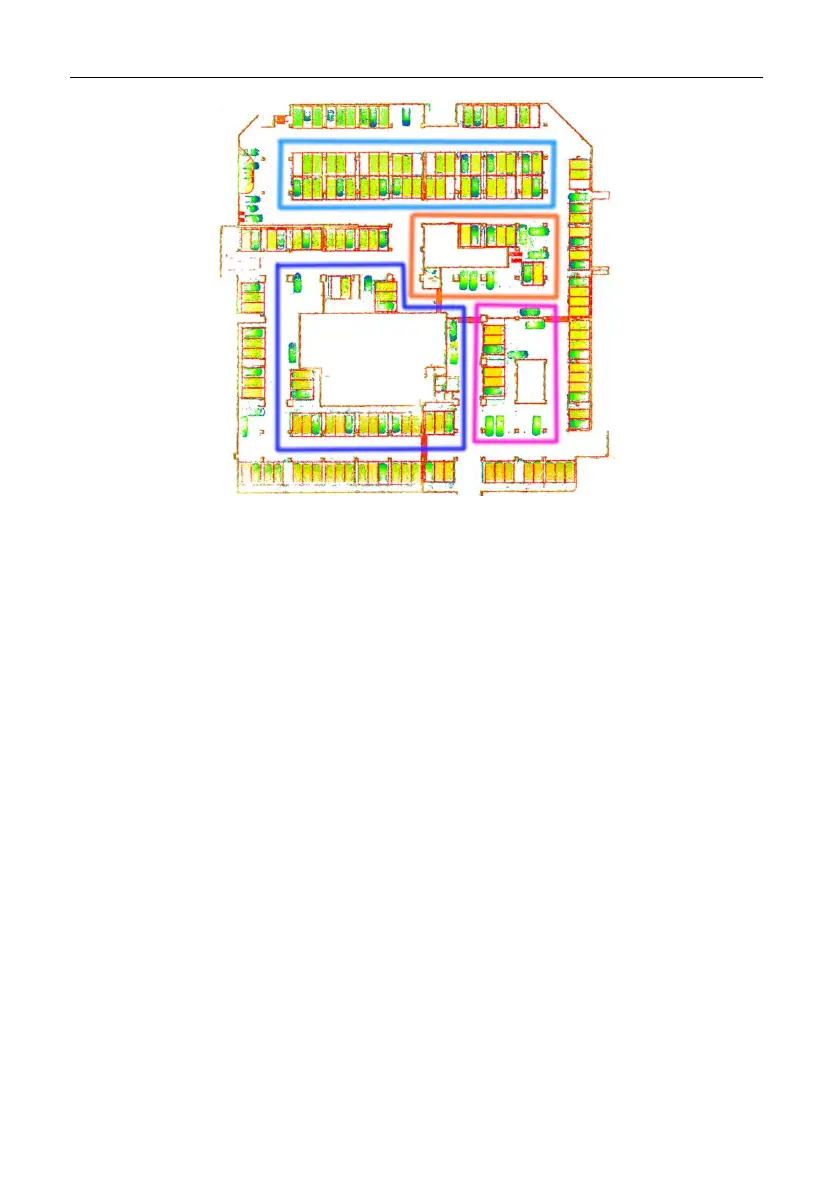
4.3 Transitioning Between Environments
Take extra care when transitioning between environments, such as transitioning between
rooms and indoor-outdoor transitioning, and when making a U-turn or turn.
1. Transitioning between rooms
Open all doors before starting the scanning. Do not scan doors that are being opened. If
P1 is not held properly, there are not enough features in front, or you walk too fast, P1
cannot capture enough features in the new room, delivering poor scanning quality. In this
case, point P1 toward the room that has been scanned with your back toward the new
room, and walk through the door slowly to ensure that there is a period when P1 can view
features on both sides of the doorway.
2. Indoor-outdoor transitioning
Indoor-outdoor transitioning refers to transitioning from an enclosed environment with
plenty of features to an open environment with few features, for example, an open hall. In
this case, P1 also delivers poor scanning quality.
3. Making a U-turn or turn
When making a U-turn or turn, reduce your walking speed to one third of the normal
speed. Then, make the U-turn or turn slowly, and stay where you are for 1s to 2s,


 To Next Page