especially when in a corridor, to ensure that there is a period when P1 can view features
on both sides of the turn.
4.4 Holding Instructions
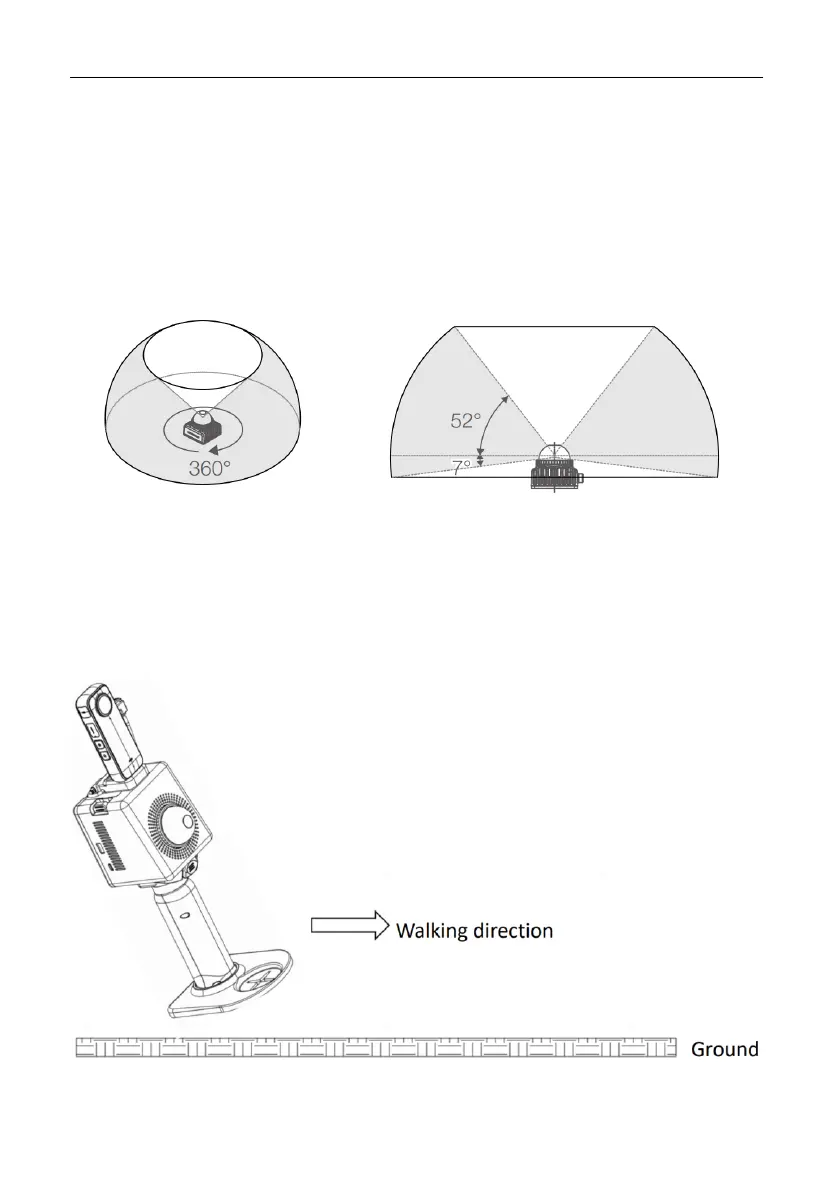
The horizontal and vertical FOV of the P1 LiDAR are 360° and 59° respectively as shown
below.
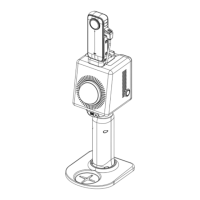
To ensure that P1 captures as many features as possible, hold P1 with the LiDAR module
leaning 30° backward as shown below, when scanning open spaces with few features,
enclosed spaces (such as buried shelters, tunnels, corridors, and sewage pipelines), or
open spaces with plenty of features (such as underground parking lots, residential
complexes, and parks).


 To Next Page