3.2.6 Powering Off
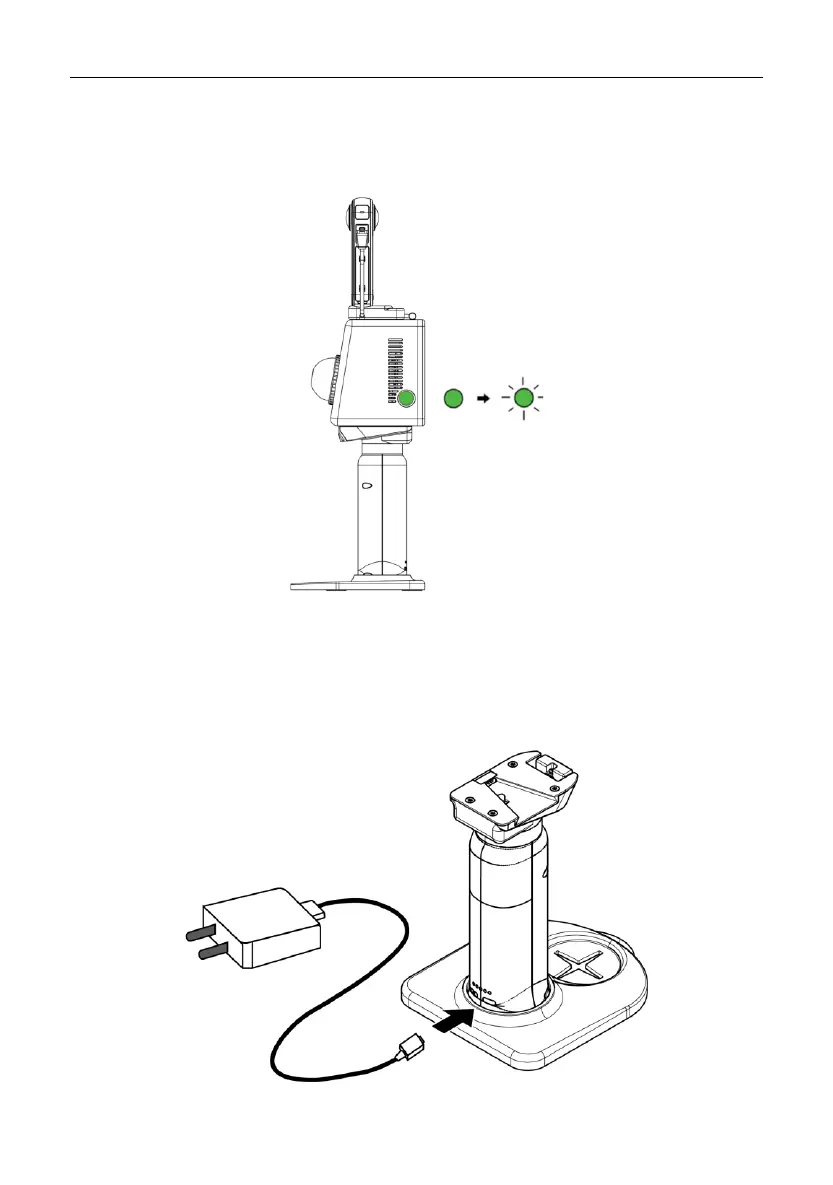
Press and hold the power button for 3s to 5s. The status indicator flashes green for 5s
before P1 is powered off.
3.2.7 Charging the Battery
To charge the battery, plug one end of the charger provided into the Type-C port of the
handle and the other end to a power outlet. It takes about 1.5 h to fully charge the
battery. Press the button beside the Type-C port to check the battery level.


 To Next Page