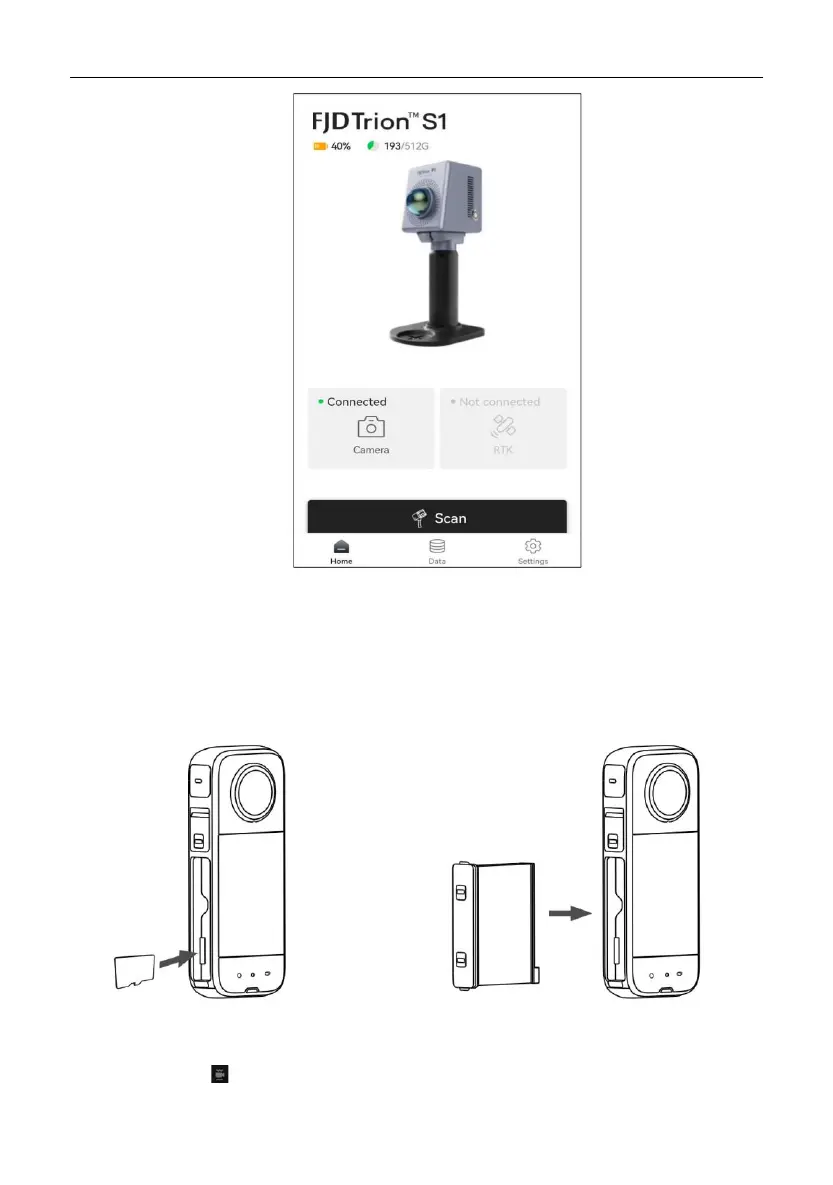
3 Collect point cloud data for calibration:Turn on the P1 and scan all the targets
clearly for at least 5 min.
4 Export camera data:
a) Turn off the camera, remove the SD card, and use a card reader to copy the
data.
b) As shown in Figure , import the above data into the Insta360 Studio 2023,
click in the upper right corner of the screen, disable the anti-shake


 To Next Page