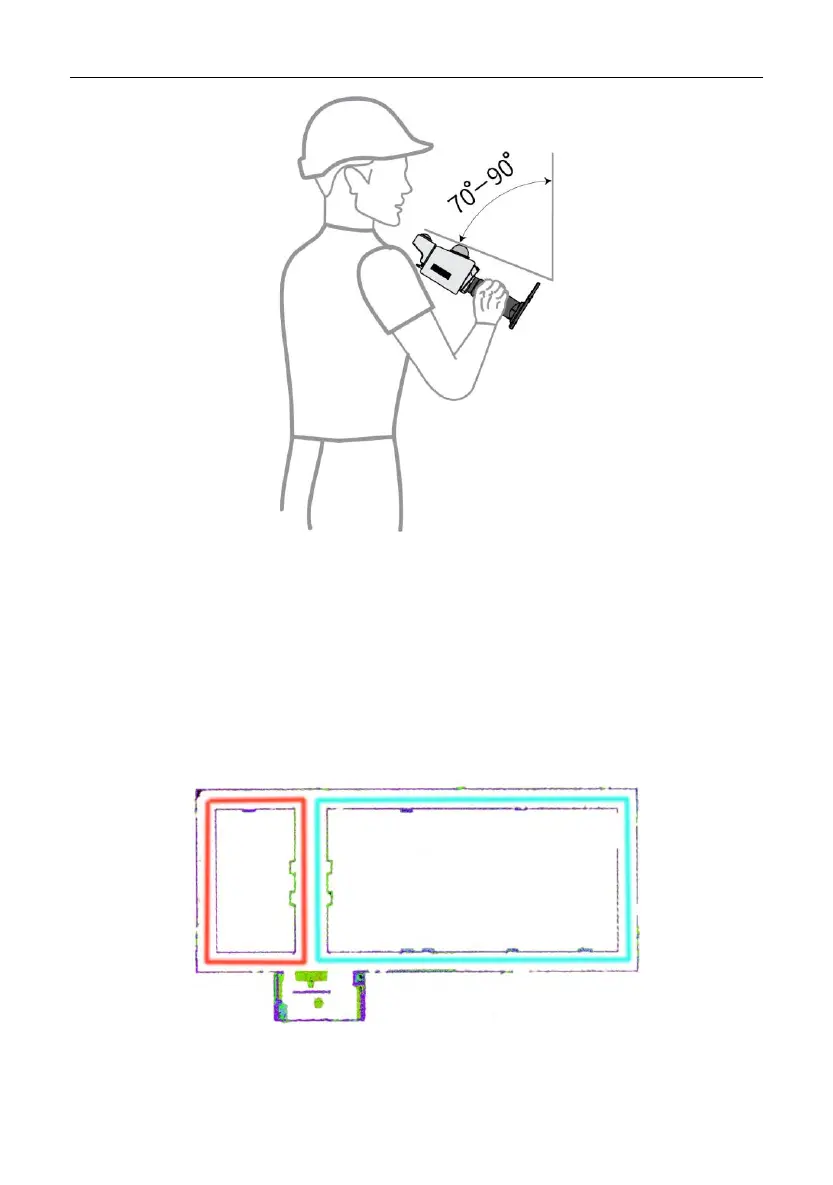
2. Scan separately: If there is such a corridor in the area to be scanned, scan the corridor
separately.
3. Add features manually: For a corridor with smooth walls on both sides and without
obvious features, add features such as chairs manually. Place chairs in the farther half
of the corridor at unequal intervals of 5 m to 10 m.
4. Form small closed loops: Plan as many small closed loops as possible when scanning
a corridor.
5. Turn slowly: Walk and turn as slowly as possible at the end of the corridor. If the
corner is followed by another corridor, stay where you are for 1s to 2s after the turn to


 To Next Page