FlashCut CNC Section 7 Motor Signal Settings
7. Motor Signal Settings
The motor settings in the Motor Signal Setup Screen in the FlashCut CNC software need
to be properly set according to the driver box that you have. Please refer to Motor Signal
Setup section of the User’s Guide for the best way to set up your drive for your software
version.
For this drive, the best signals are as follows:
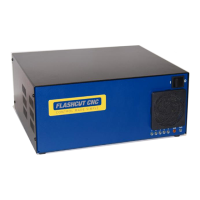
Driver Model: 8A Pro Micro Stepper (6501-X-080-M
Step Pulse: High
Step Pulse Width: 5
Min. Time Between Steps: 5
Direction-Step Setup: 5
Min. Step-Direction Lag: 5
Enable Signal Polarity: High


 To Next Page