FlashCut CNC Section 2 Stepper CNC Controller
2. Stepper CNC Controller
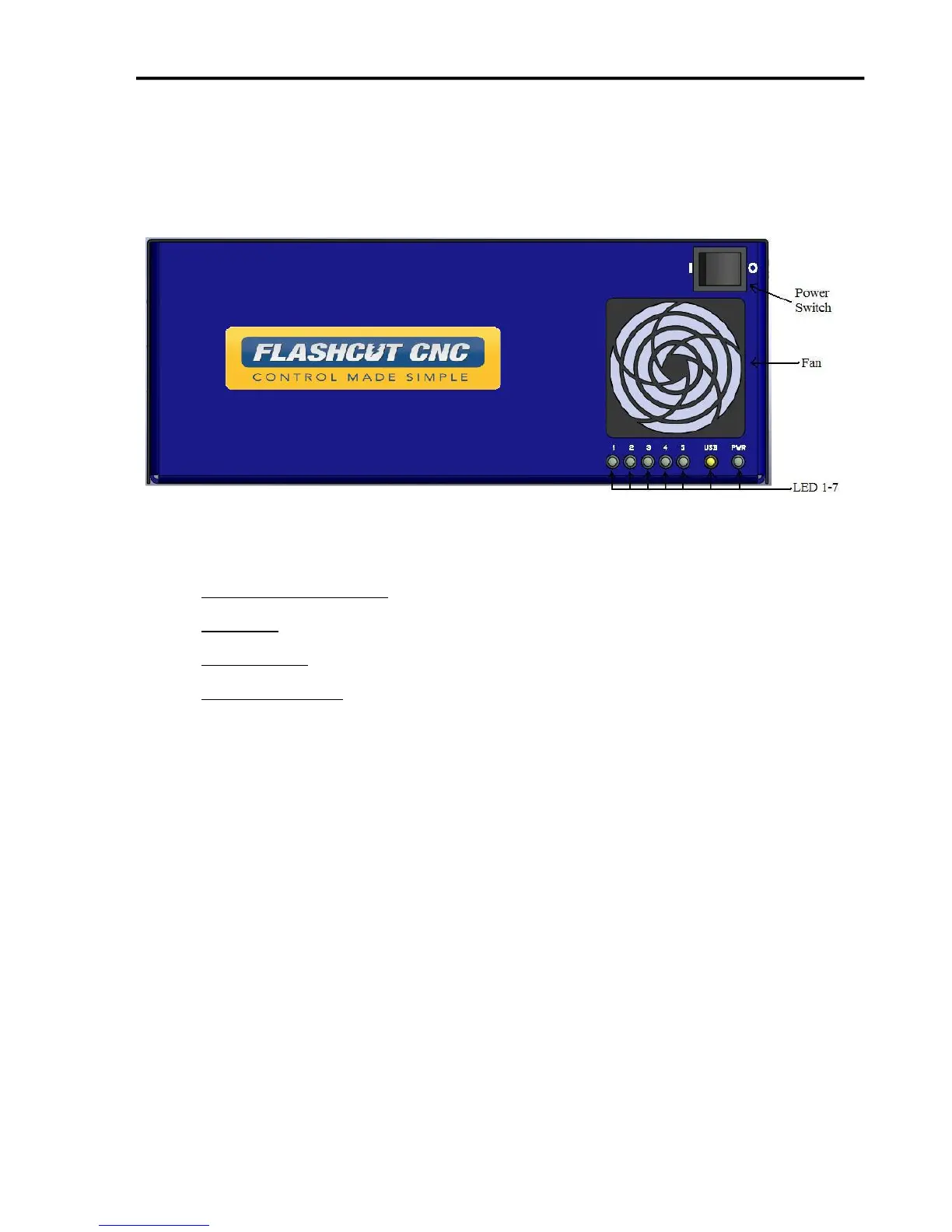
Front Panel
The front panel of the CNC controller has the power switch, the fan and 7 LED’s with the
following functions:
AXIS LED’s 1, 2, 3, 4, 5 – Turns green when the respective axis is moving.
USB LED– Turns yellow when connected to the host PC USB port.
POWER LED– Turns green when the power switch is turned on.
POWER SWITCH – Turns the unit on and off. “I” is on and “O” is off. If there is ever a
communications error while running FlashCut CNC, turn the switch off and on to reset
the internal microprocessor.


 To Next Page