Note
Before printing 3D model files, you need to configure slicing presets for the corresponding printer.
Recommended slicing software: Orca-Flashforge / OrcaSlicer.
Before reading the brief instructions, please ensure you have reviewed the Quick
Start Guide and completed the first print.
Slicing Software Instructions for Adventurer 5M Series
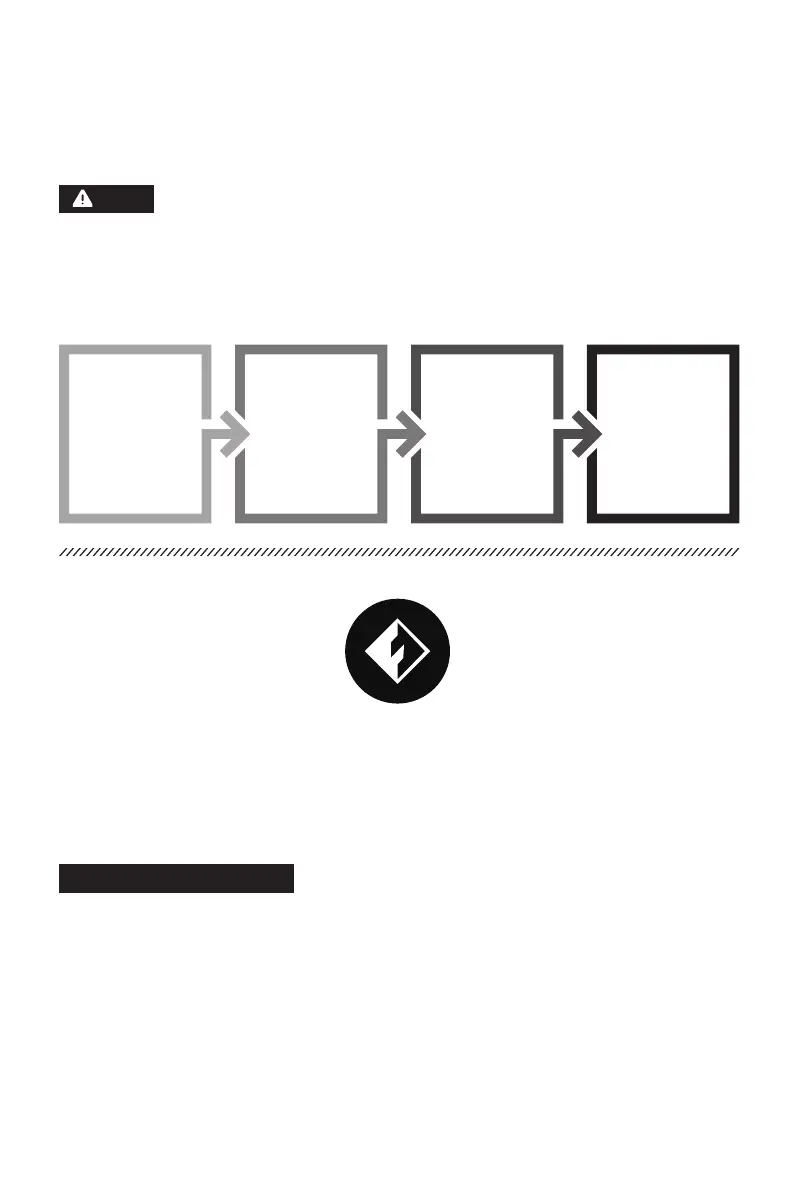
Pre-printing Steps:
Obtain the 3D file
(STEP/STL/OBJ)
Download and
install the slicing
software
Use the slicing software
to convert the file into
the machine-readable
format
Import the sliced file via
a USB flash drive or
network transfer to the
printer for printing
01 02 03 04
18
1. Download the latest slicing software from: https://www.flashforge.com/download-center.
2. Find the Orca-Flashforge's installation package on the USB flash drive and install the version
that matches your system.
Download Instructions:
* The steps are illustrated for one machine type.
Orca-Flashforge is a slicing software developed based on OrcaSlicer, with custom features
tailored for the Adventurer 5M series.
Orca-Flashforge















 To Next Page