FLASHFORGE 3D PRINTER
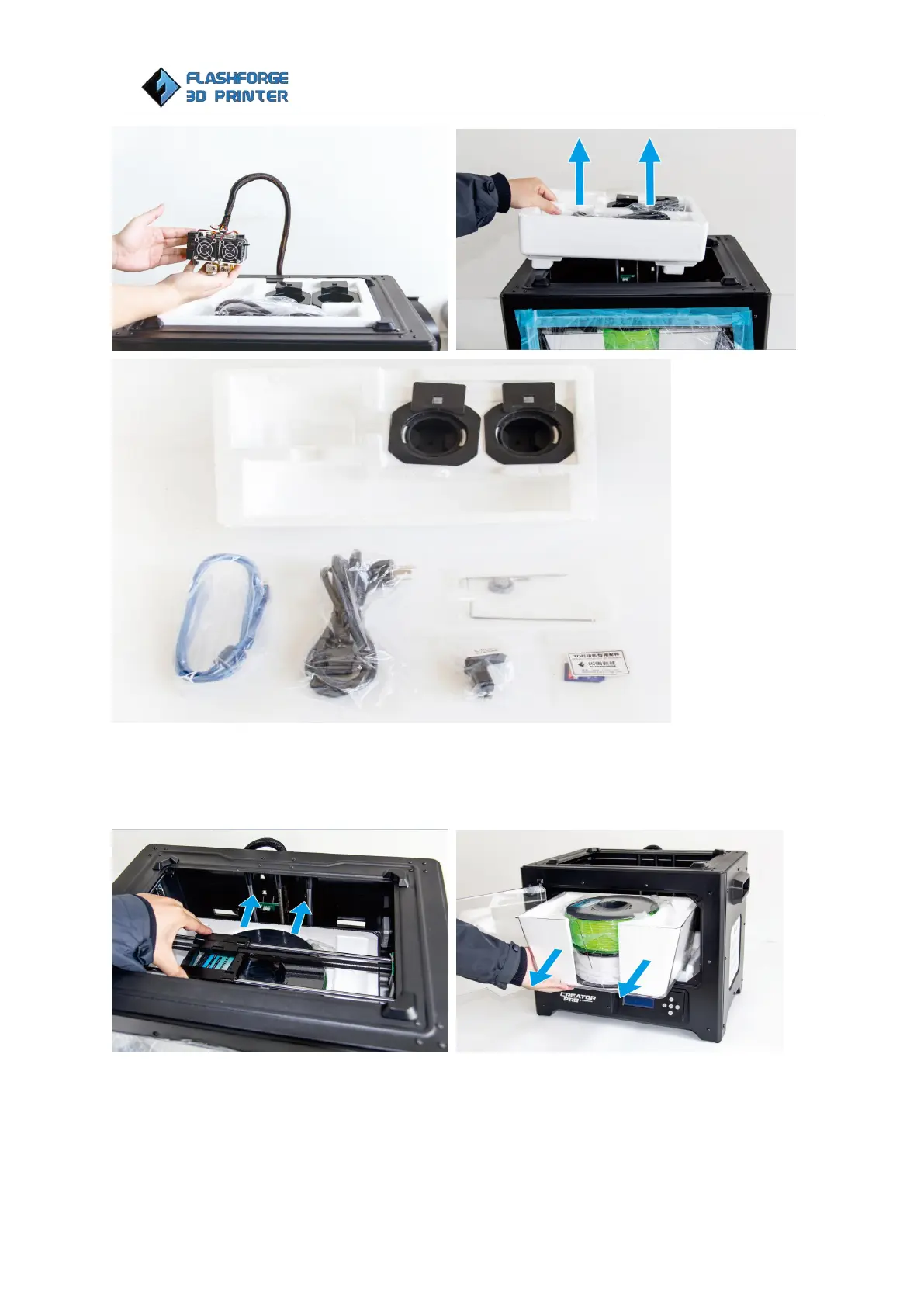
Move X axis rods to the back of the printer manually, remove the tapes on the front door, open the door
and take the top lid together with Foam C out. Take two spools from Foam C, set them aside. Remove the
Foam C from top lid and set the top lid aside.
Now the build platform should be visible. It is an aluminum plate covered in a preloaded blue 3M platform
sticker. This is the surface that your objects will be printed on. Remember: Do not remove the platform
sticker. It helps a lot extruded filament stick on the platform.















 To Next Page