FLASHFORGE 3D PRINTER
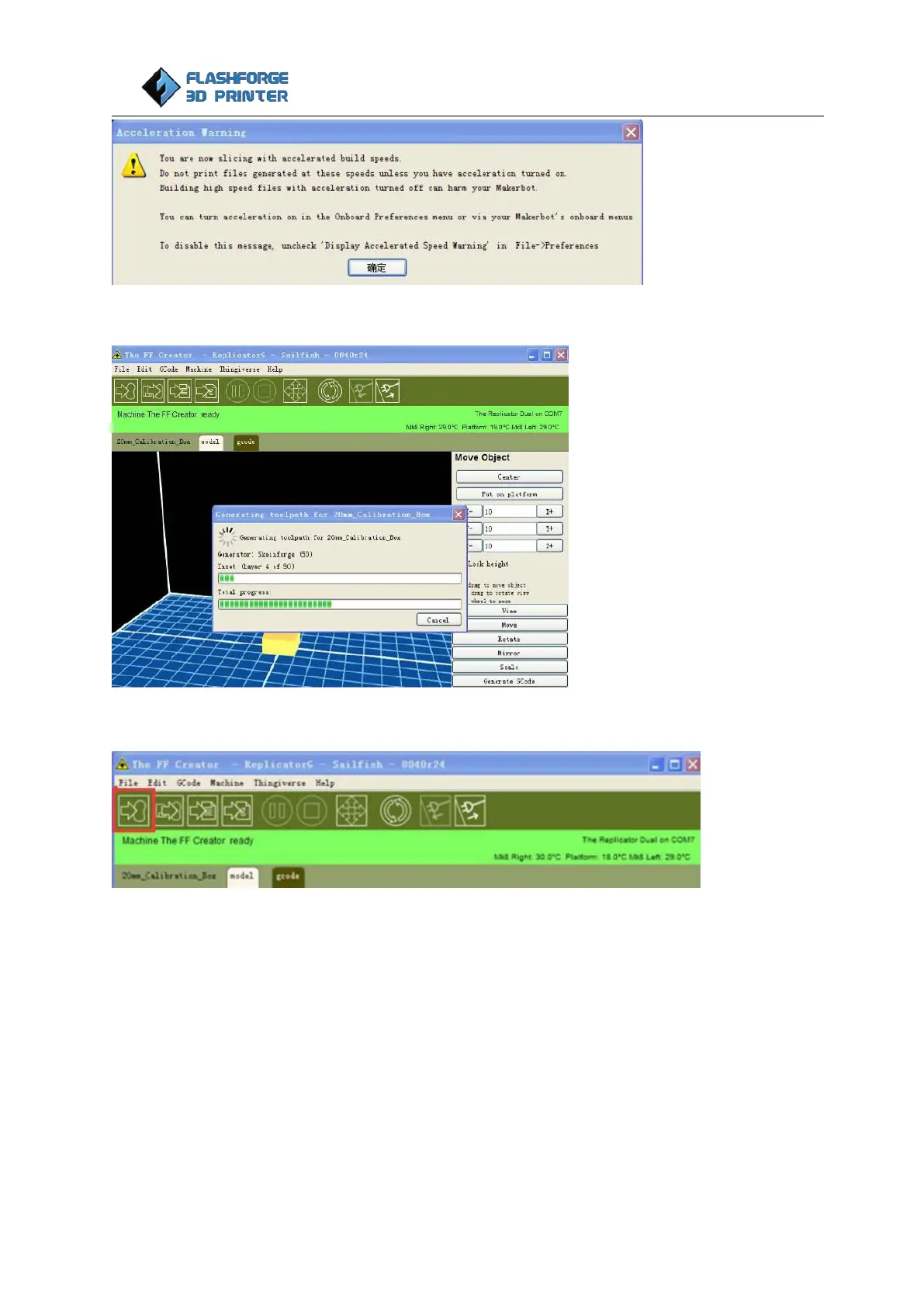
A loading bar will then appear showing the progress of the Gcode generation.
After modifying, click the file button to save the sample and click the left most button on the blue box.
The Gcode has now been sent to the printer and the object will start printing shortly.
Dual Extruder print
To use the two-color printing that comes with the Replicator G software, open it up and select
Gcode > Merge .stl for Dual Extrusion.















 To Next Page