Select the object and duplicate the object through the following two methods:
Method 1: Click [Edit]--[Duplicate]
Method 2: Press the shortcut Ctrl+V
Select the object and delete the object through the following two methods:
Method 1: Click [Edit]--[Delete]
Method 2: Press the shortcut Delete
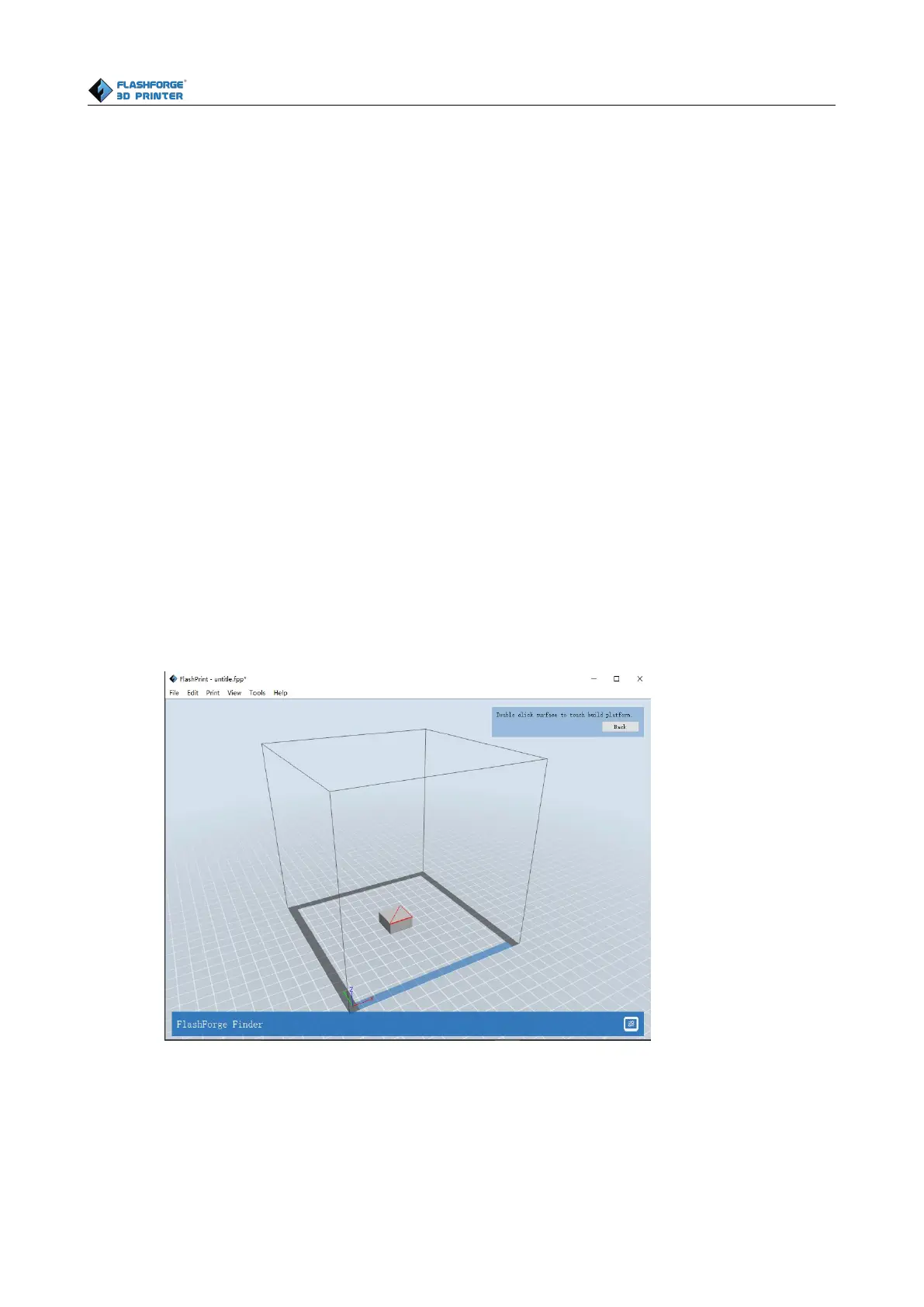
After selecting the model, you can make the model surface to platform via the following operation.
Click [Edit]--[Surface to Platform] into surface to platform mode(As
Click [Edit]--[Auto Layout All] after loading one or more than one models, all models will be
placed automatically as automatic placement rule.















 To Next Page