————————————————————————————————————————————
Load
You can load a model file or Gcode file into your FlashPrint by the following six methods:
Method 1: Click the Load icon on the main interface. Then select the object file.
Method 2: Select the file for loading and drag the file to the main interface of the software.
Method 3: Click [File]--[Load File]. Then select the object file for loading.
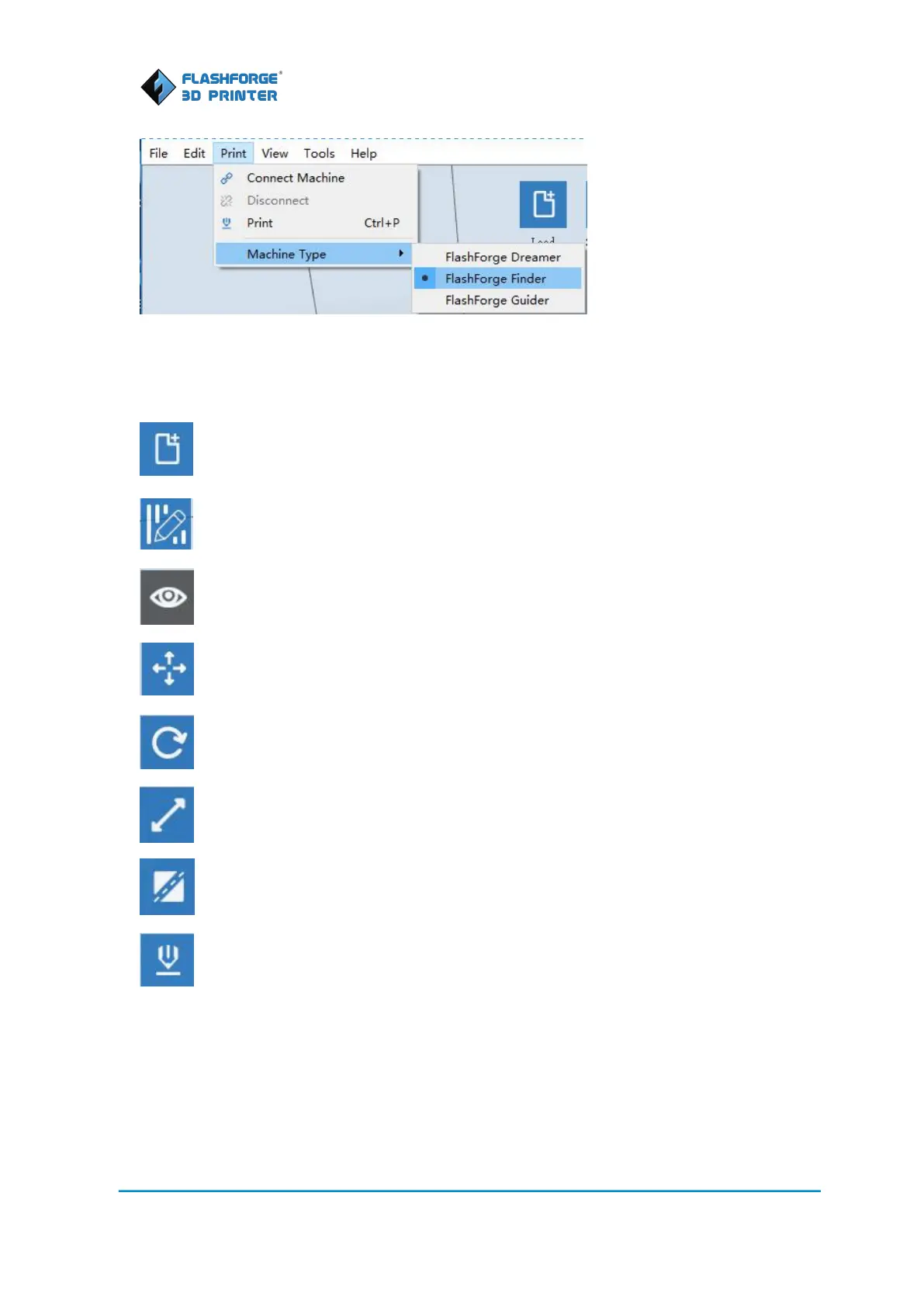
Load: Load one or multiple files.
Supports: Enter the support edit mode
View: View FlashPrint home screen from one of six viewing angles.
Move: Move model around on xy-plane; shift+click to move along z axis
Rotate: Turn and rotate your model
Scale: Scale the size of your object
Cut: Cut the model into pieces
Print: Print it directly with your Finder or export to your SD card.















 To Next Page