Finder User Guide | www.ff3dp.com
(Note: The filament should feeds from the bottom of the spool towards the top )
After installing the filament, put the cartridge back to the printer.
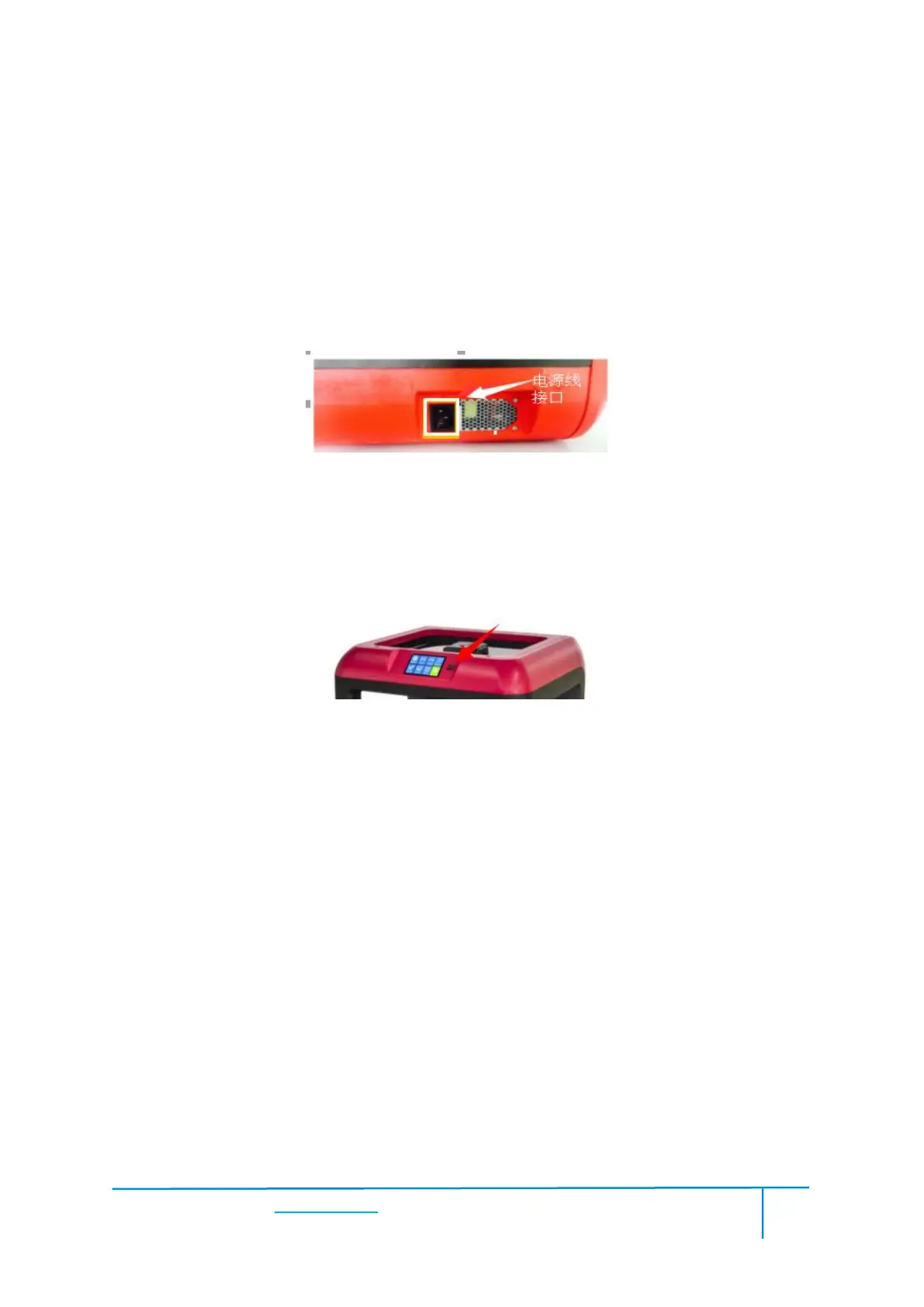
(4-3)Insert the power supply into the power input on the back of the Finder and plug
the power cord into an electrical outlet.
(4-4) Press the starter button to start the device.
For stable filament loading and proper device protection, you need to install the
filament guide tube properly.
(4-5) Take out the filament guide tube, thread the filament coming from the
filament cartridge through the tube.















 To Next Page