Finder User Guide | www.ff3dp.com
Chapter 7: Advanced Printing
When you get familiar with your Finder, you will definitely want to accomplish some
advanced prints. This chapter will take you to get to know the advanced printing
skills.
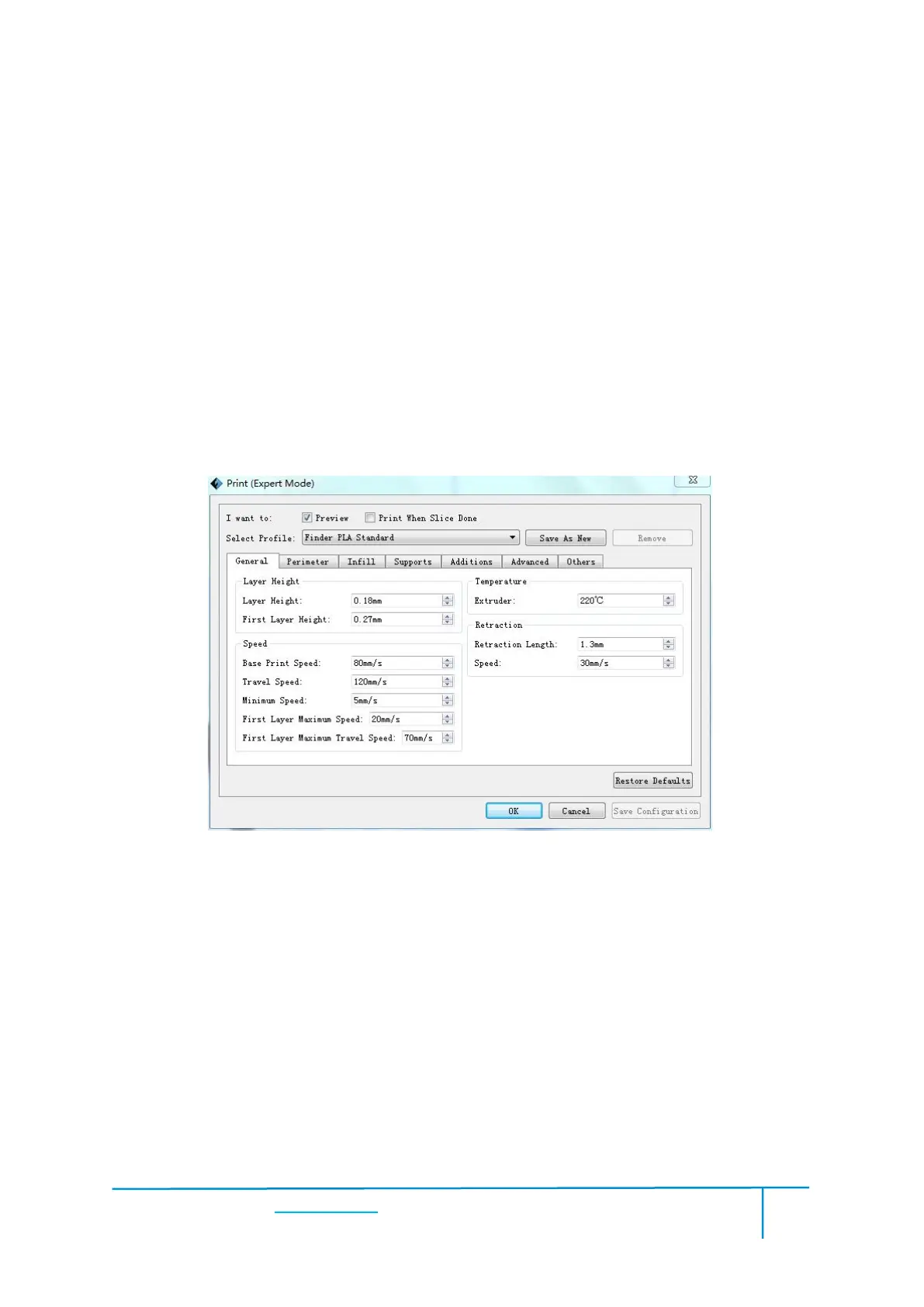
Expert Mode grants the users more freedom of parameter edition. There are two
modes are available for users, one is “Basic Mode” and the other is “Expert Mode”.
Select Profile: Allows users to select the required scheme. There are three options for
users (low/standard/high) and the default is PLA standard. Different schemes
correspond to different parameter settings. High-quality scheme produces
high-resolution object but at a low speed. On the contrary, low-quality scheme
produces low-resolution object but at a high speed. When printing with PLA, users
will find a “hyper” option available.















 To Next Page