Finder User Guide | www.ff3dp.com
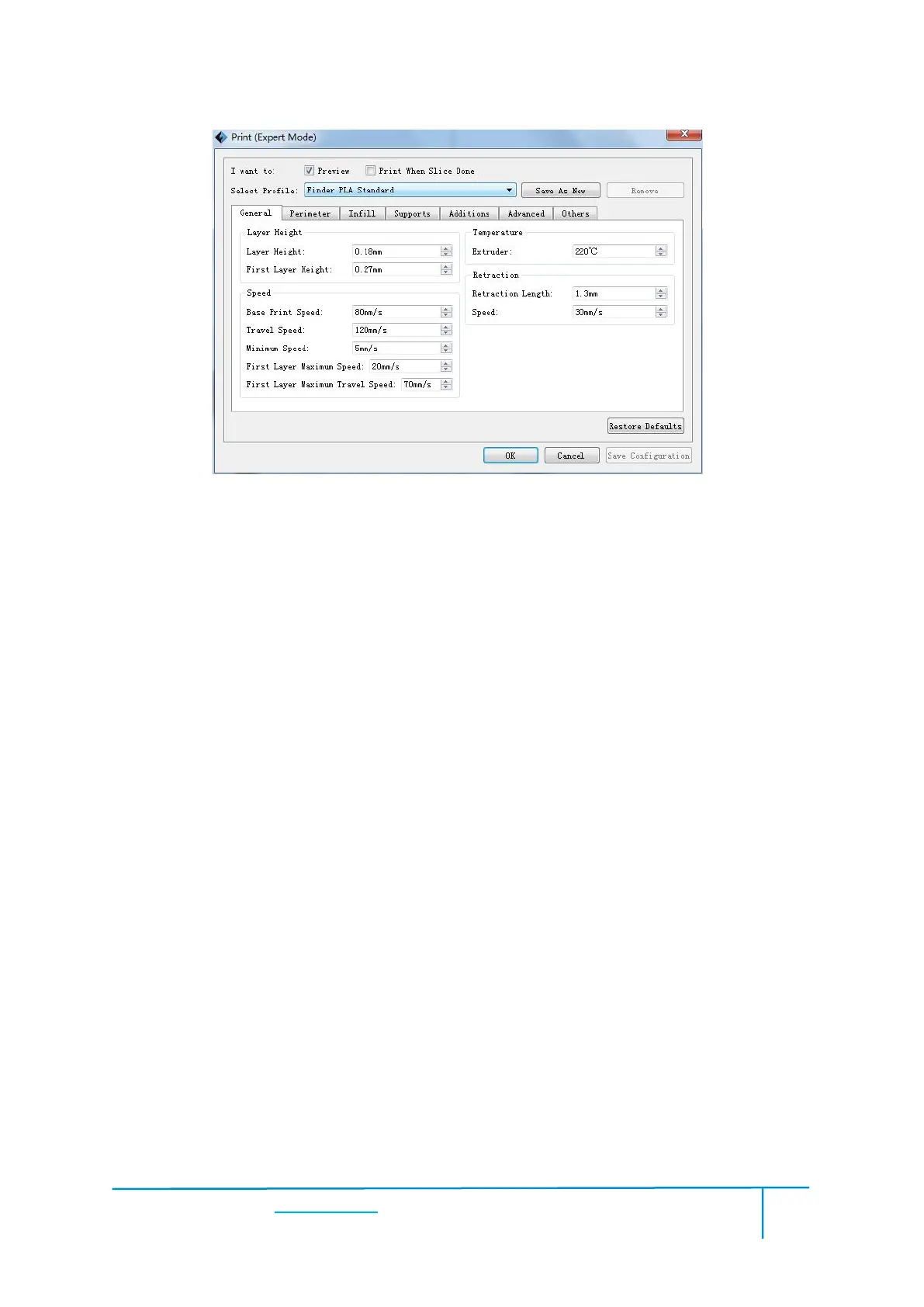
Allows users to save the model as a new file after parameter modification.
After getting all the required parameters modified, click [Save as new], then a
dialogue box will pop up. Users need to enter the file name into the box, then click
[OK]. Click the drop-down menu of [Select Profile], the new added scheme can be
Allows the users to delete the added scheme(s). Select one of the added schemes,
click [Remove] and a dialogue box will pop up for confirmation. Click [Yes] to
remove it or click [No] to cancel the current operation.
Restore Default: Allows users to restore to the default settings.
Save Configuration: Allows users to save the present configuration.















 To Next Page