Clean MDM
Note: When replacing the material box, there may be
material that leaks into the feed silo socket after
removing the box. If there is a large amount of
material (the bottom is covered and touched to the
box wall), do not place a cleaning material box in the
socket, contact your dealer or FlashForge Account
Manager.
Note: The material chamber is kept warm and avoid
touching the side of the base during cleaning. Wear
heat-resistant gloves and goggles.
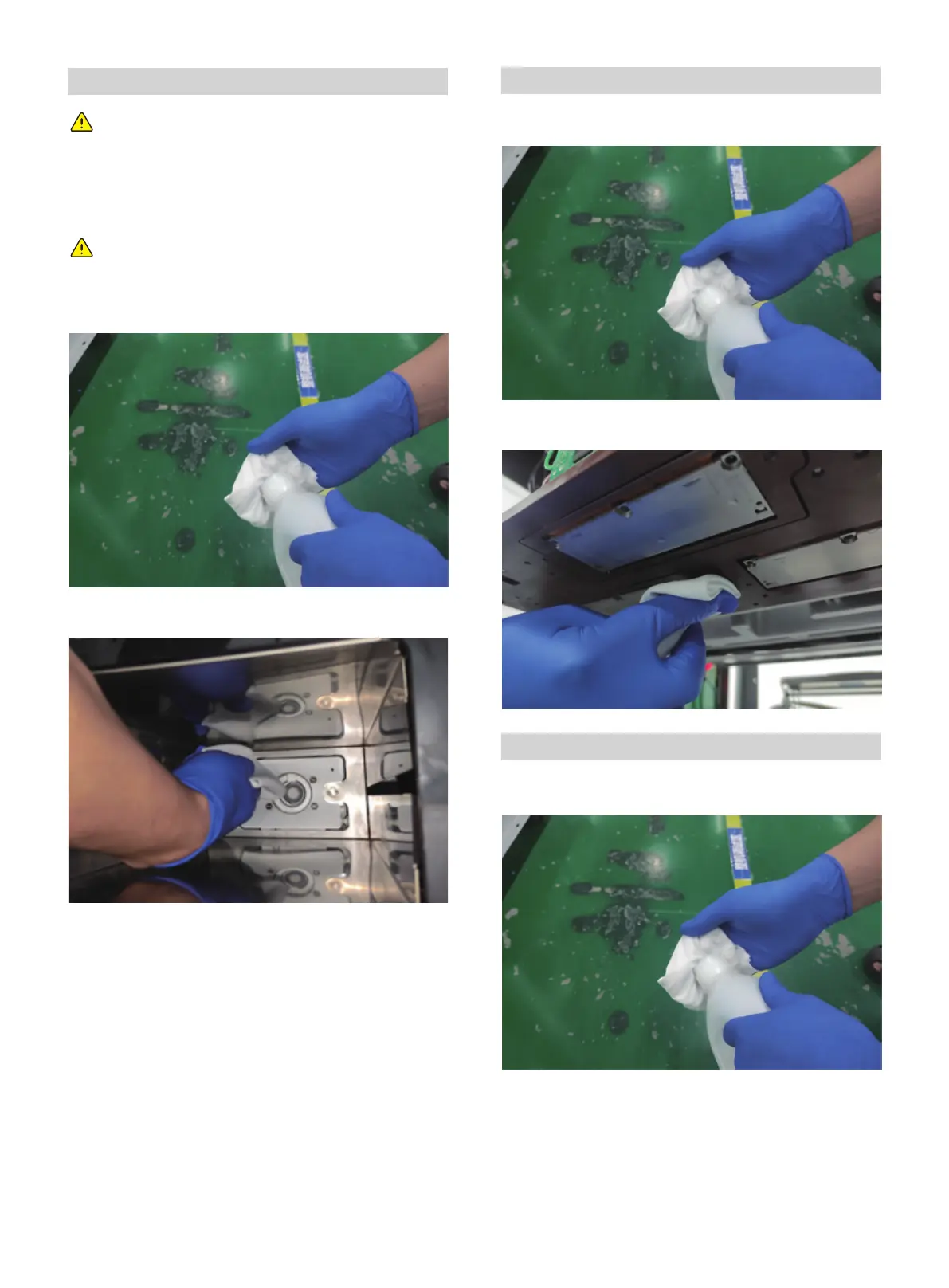
Wear rubber gloves and sprinkle with a little alcohol on a
dust-free cloth.
Wipe the wax and dust from the nozzle mounting plate with a
dust-free cloth.
Clean the carriage of printhead (not the nozzles work area)
Wear rubber gloves and sprinkle with a little alcohol on a
dust-free cloth.
Clean the wax and dust on the installation board of the
printhead with the dust-free cloth.
Clean the bottom side of Y-beam
Wear rubber gloves and sprinkle with a little alcohol on a
dust-free cloth.
01 02 03 04 05 06 07 08
09 10 11 12 13 14 15 16 17
18 19 20 21 22 23 24 25 26
27 28 29 30 31 32 33 34 35
36 37 38 39 40 41 42
43
44 45 46 47 48 49 50 51
52 53 54
55 56 57 58 59 60 61
62 63 64 65 66 67 68 69
70 71 72 73 74 75 76 77
78 79 80 81 82 83 84 85
86 87 88 89 90 91 92 93
94 95 96 97 98 99 100 101
102 103















 To Next Page