Chapter 6 Printing process
This chapter provides you with detailed guidance on how to transform a 3D model into an entity. Before printing, it is recommend-
ed that you review the process of machine start up, preheating and material installation on the chapter 3 and check the functionality
and performance of the WaxJetPrint software.
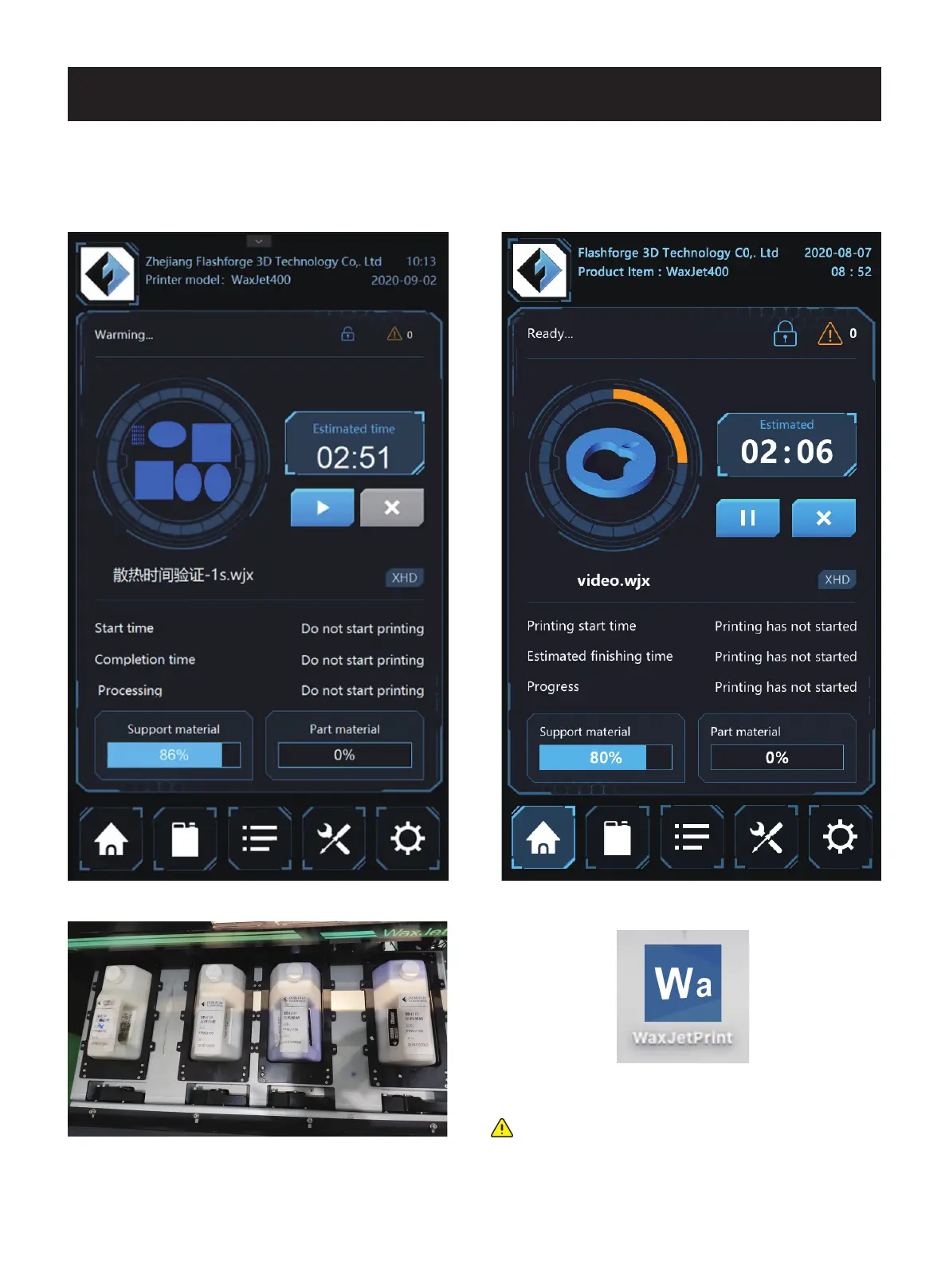
1. The printer is powered on and warming up.
2. Install the materials.
5. Connect the printer.
Note: if it is the first time to connect the printer, please
see initial setting (page 29). Click setting, choose
printer. Material , printing mode, printing pattern and
save the settings.
4. Turn on the WaxJetPrint software via the shortcut on desktop.
01 02 03 04 05 06 07 08
09 10 11 12 13 14 15 16 17
18 19 20 21 22 23 24 25 26
27 28 29
30 31 32 33 34 35
36 37 38 39 40 41 42 43
44 45 46 47 48 49 50 51
52 53 54
55 56 57 58 59 60 61
62 63 64 65 66 67 68 69
70 71 72 73 74 75 76 77
78 79 80 81 82 83 84 85
86 87 88 89 90 91 92 93
94 95 96 97 98 99 100 101
102 103















 To Next Page