13
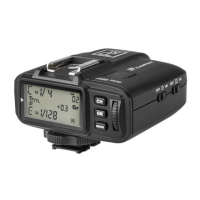
1. Press the <CH/OK> Button for 2 seconds or longer until <Fn> is displayed.
2. Select the custom function number (No).
• Turn the Select Dial to choose the Custom Function No.
3. Change the Setting.
• Press the <GR> Button until the custom function No. blinks.
• Turn the Select Dial to set the desired number. Pressing <GR> button will
conrm the settings.
• Press <MODE> button to exit the C.Fn settings.
Transmitter Setup
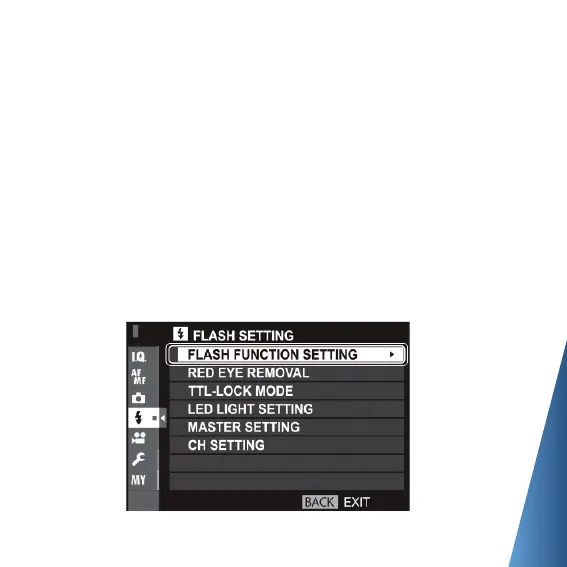
• SETTING THE CAMERA
To trigger the R2T-F,
please set camera’s ash mode to TTL ash.
Fujilm menu system ash mode setting:


 To Next Page