8
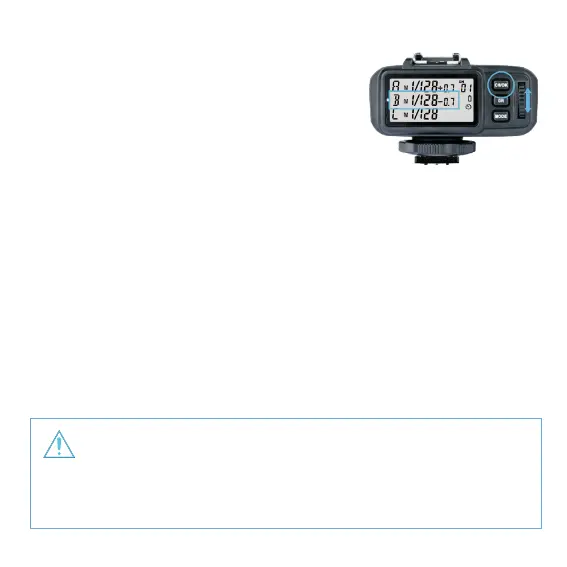
• Group POWER / FEC Settings
1. Short press the <GR> Button and the selected
group will blink. Click to scroll through the
modes forwardly and double-click to scroll
through in reverse sequence.
2. Turn the Select Dial to change the power or ash
exposure compensation settings. When the current
group is in the M mode, the power output value is
changeable from 1/1 full power to Min. power* in 0.3 stop increments.
When the current group is in the TTL mode, the FEC amount is changeable
from -3 to 3 in 0.3 stop increments. When the current group is in the -- mode
(ash o), the amounts will not change.
3. Short press the <CH/OK> Button again to conrm the setting.
Min. refers to the minimum power output value that can be set in M/Multi
mode. 1/128 or 1/256 can be set according to C.Fn-05.
The minimum power output value is 1/128 and cannot be set to 1/256 for most
of camera ashes. However, the value can change to 1/256 when using in
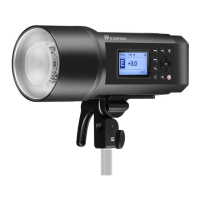
combination with stronger Watt-Second ashes such as the Flashpoint
XPLOR600 or Rapid R2.


 To Next Page