7
SETTING THE TRANSMITTER
• Power Switch
Slide the Power Switch to ON. The LCD screen will turn on. The Status
Indicator Lamp does not illuminate.
Note: In order to avoid power consumption, turn o the transmitter when
not in use.
• AF Assist Beam Power Switch
Slide the power switch to ON, and the AF Assist Beam is activated.
When the camera cannot focus because of darkness, the AF assist beam will
turn on. When the camera can focus, the AF assist beam will turn o.
• Channel Settings
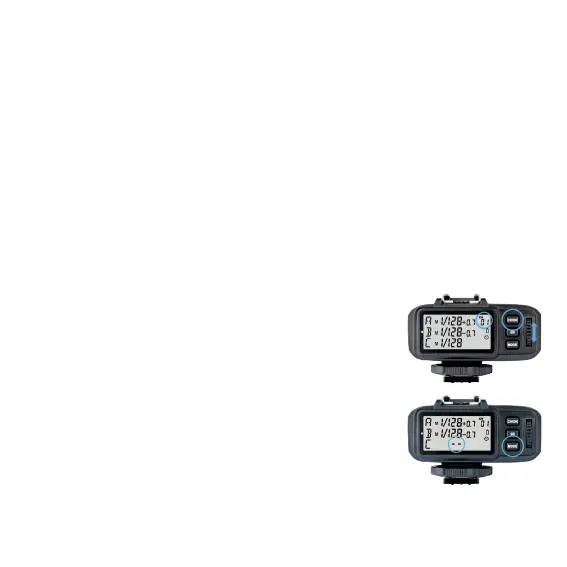
1. Short press the <CH/OK> Button until the channel value blinks.
2. Turn the Select Dial to choose the appropriate channel.
Press the <CH/OK> Button again to conrm the setting.
3. This ash trigger contains 32 channels which can be
changed from 1 to 32. Set the transmitter and the
receiver to the same channel before shooting.
• Mode Settings
1. Short press the <GR> Button and the selected group
will blink. Click to scroll through the modes forwardly
and double-click to scroll through in reverse sequence.
2. Short press the <MODE> Button and the selected
groups’ modes will be changed by the order of TTL/M/-- (-- represents OFF,
the current group will not re).


 To Next Page