Getting Started
4 3
1. To use an external monitor, you must have the FLATOP VGA
driver installed.
2. Turn off FLATOP when you connect the video connector into an
external monitor
!
Using an External Monitor
Using an External Monitor
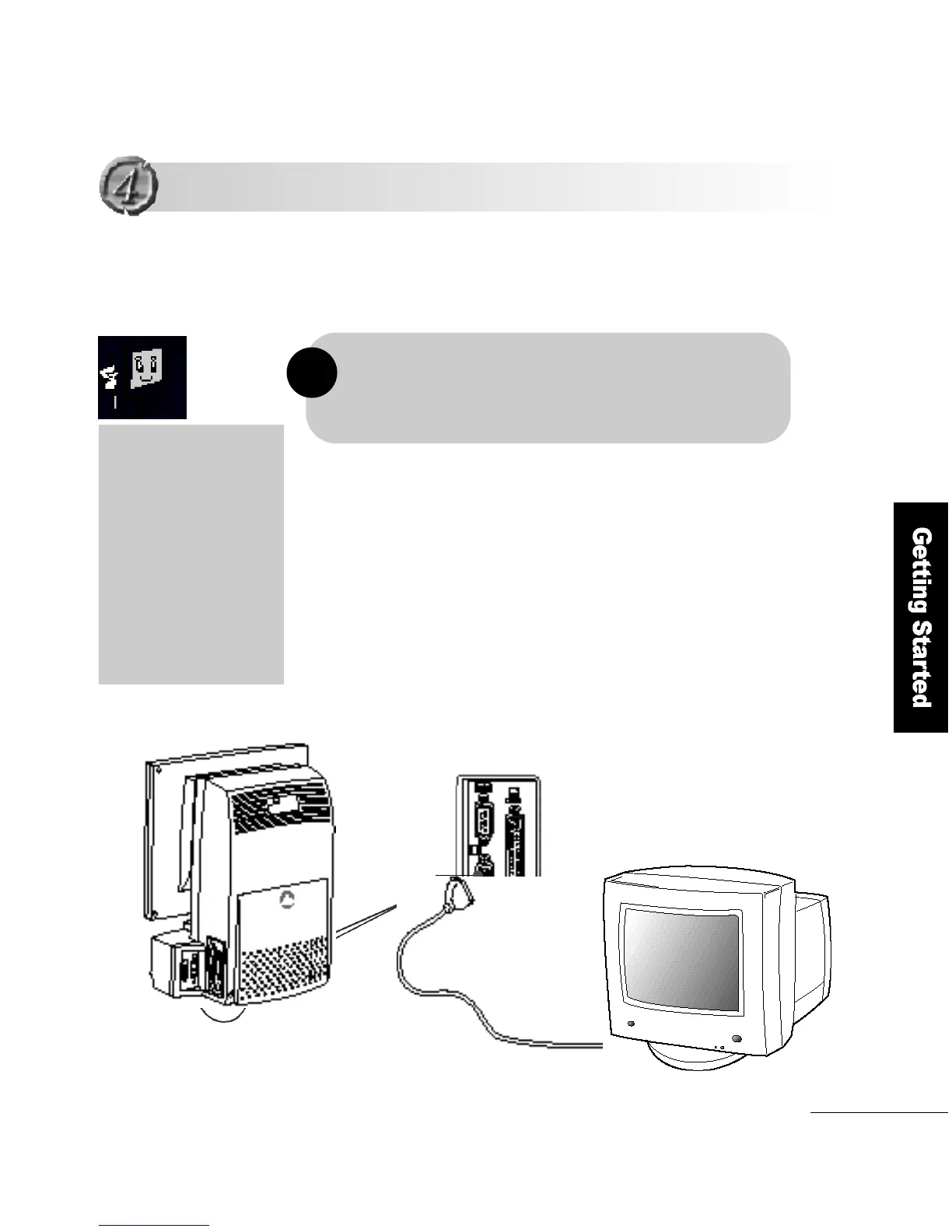
Connect the video connector on the back of FLATOP to the
external monitor.
This section describes how to connect an external monitor to your
F L ATOP computer.
As the FLATOP LCD
monitor has adopted
TFT (Thin Film Transistor)
technology to 16.7 million
colors and 1024 x 768
resolution, you can enjoy
a vivid screen quality
without using an
external monitor.
External monitor
Vi d e o
connector



 To Next Page