4 4
Getting Started
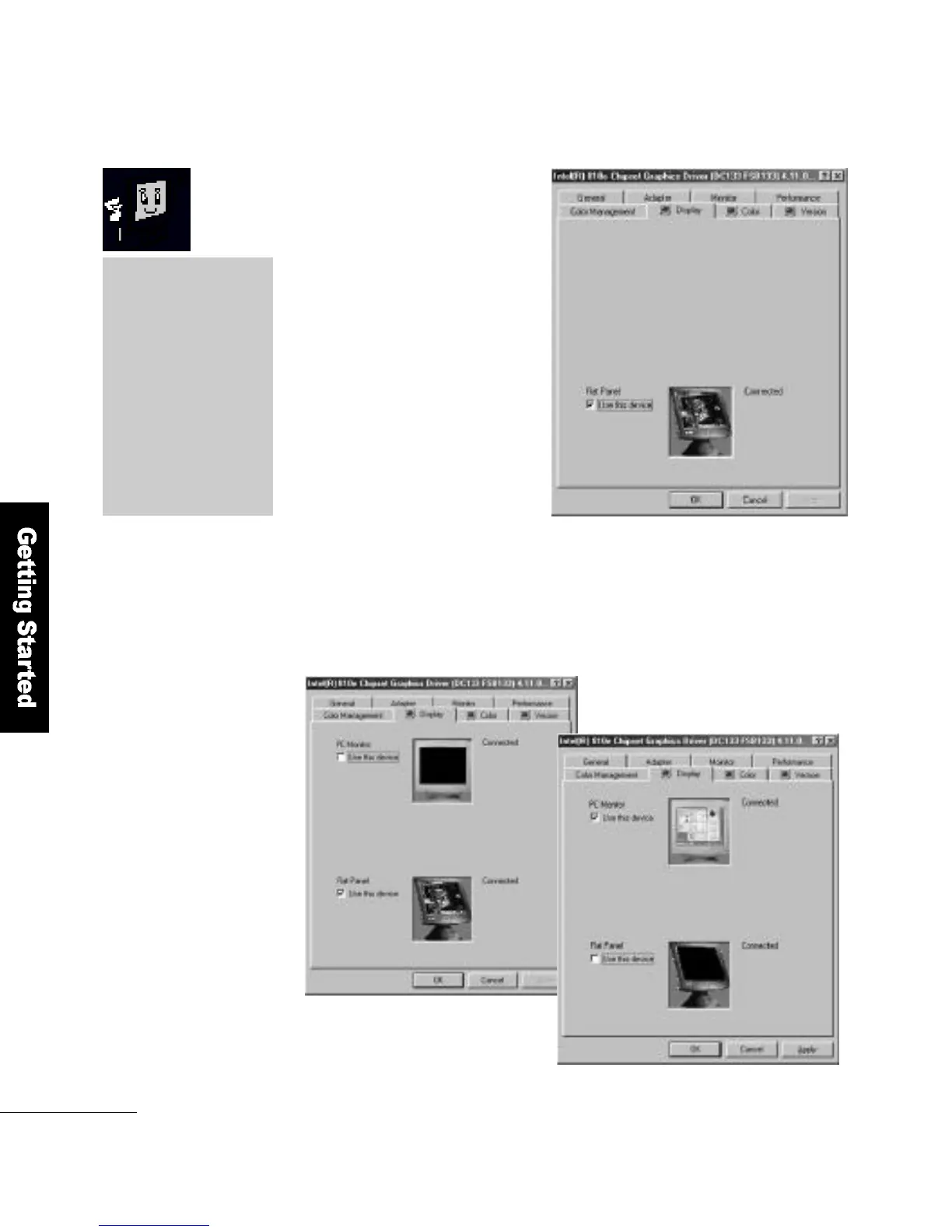
If you connect an external
monitor without turning off
your FLATO P, the computer
will not be able to find the
external monitor as shown in
the diagram.
Once the external monitor is found, you can choose between
the LCD panel (Figure 1) and external monitor (Figure 2), or both.
▲(Figure 1) LCD panel selected
▼(Figure 2) External monitor
s e l e c t e d
LCD technology
FLATOP has adopted
Black Matrix technology
to give it an excellent
screen quality. You can
clearly recognize
the difference in quality
when you compare
FLATOP with other
p r o d u c t s .



 To Next Page