12
Reviewing Scans
After you scan, the scanner will automatically be in Review mode. To access Review mode
from the Home or Menu Screen, press OK. Use LEFT ARROW to scroll backwards through
previous scans and RIGHT ARROW to scroll forward.
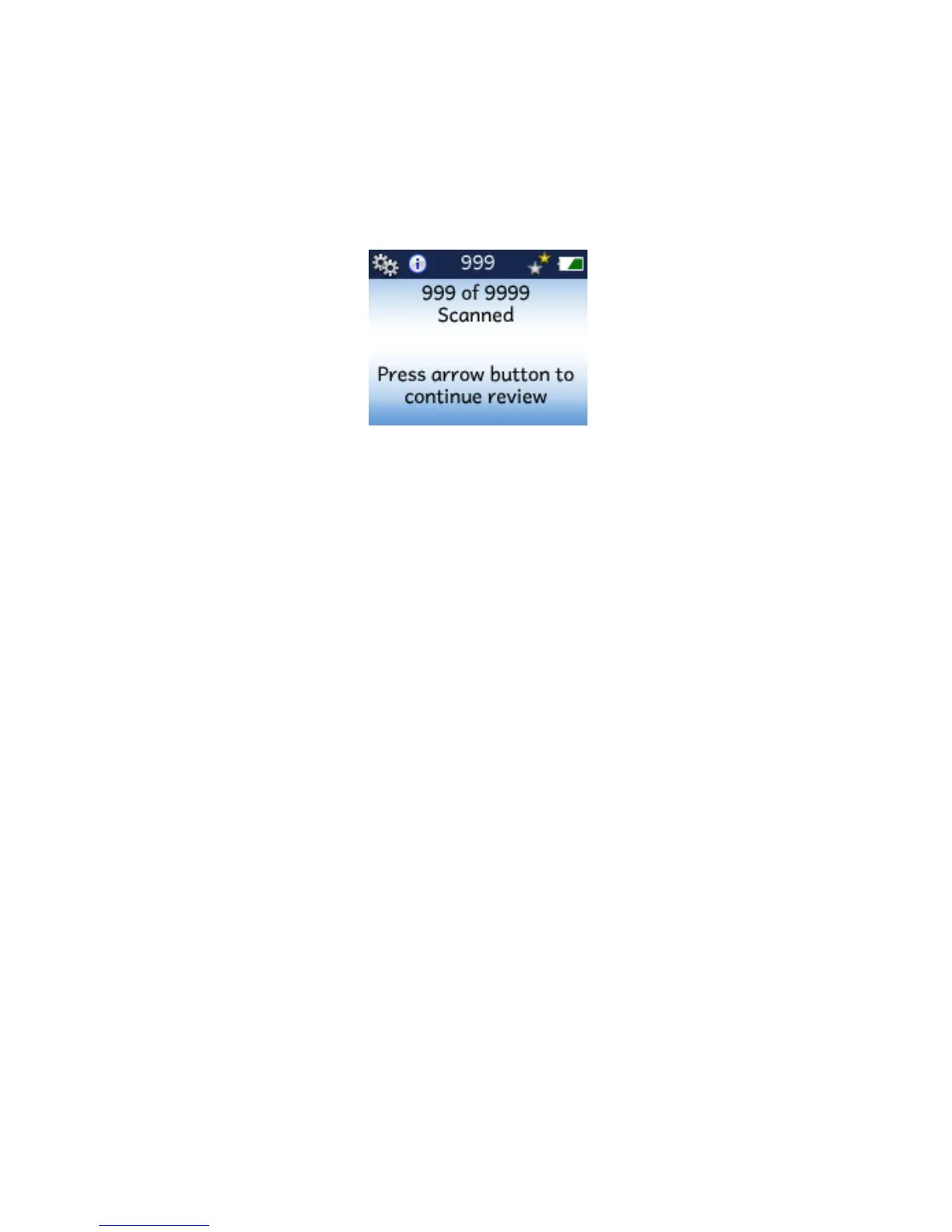
When you get to the first scan, pressing LEFT ARROW brings you to this screen.
Press LEFT ARROW to go back to the last scan, or RIGHT ARROW to go back to the first scan.


 To Next Page