427-0089-00-12 Version 160 March 2019 24
This document does not contain any export-controlled information.
Basic Operation and Configuration
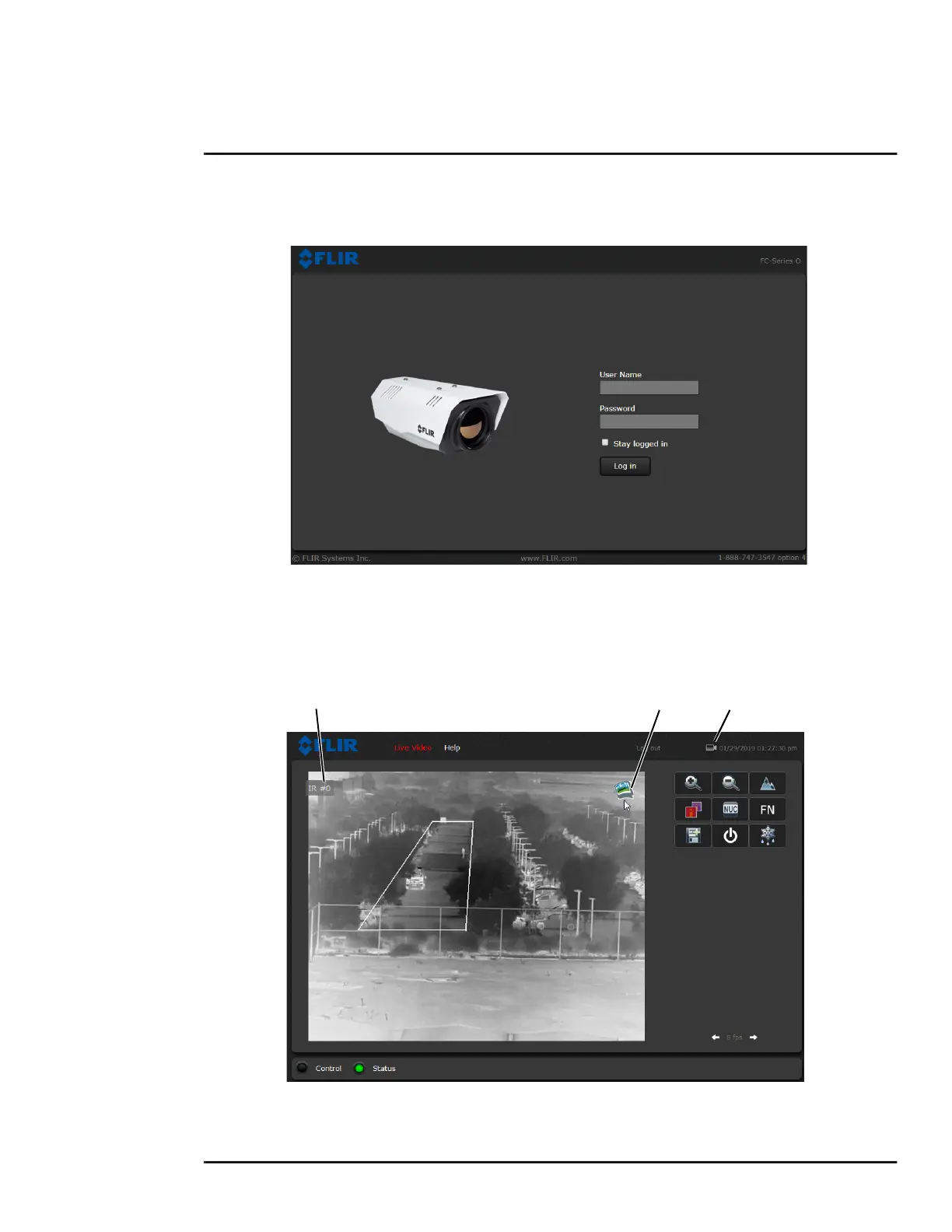
appear. A pull-down list in the upper right allows the user to select a language option. Enter user for
the User Name and user for the Password, and click Log in.
2.3.2 Live Video Page
The Live Video page displays a live image from the camera on the left part of the screen and at the
top of the screen menu choices: including Live Video (the red text indicates it is selected), Help, and
Log out. The expert and admin logins provide additional menu choices.
Figure 2-1: Camera Web Page Login Screen
Figure 2-2: Live Video Web Page—FC-Series ID
Snapshot
Toggle Time
Video Source



 To Next Page