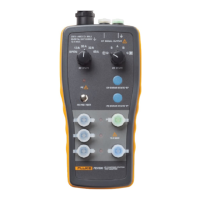
FTK200
Users Guide
8
Measuring Optical Power
Optical power is the output power produced by a source
such as an optical network interface card or optical test
equipment. You can measure power at a source or at the
end of a fiber link.
To measure optical power, proceed as follows:
1. Verify that the meter and source are set to the proper
wavelength. Let the source warm up for two minutes,
if necessary.
2. Clean all fiber ends.
3. Make the connections shown in Figure 5.
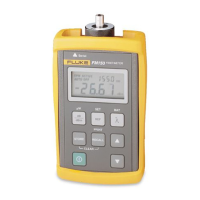
4. Verify that the meter is in the power measurement
mode. The measurement unit should be
dBm. If
necessary, press
D
to change the measurement
unit to
dBm. To change the unit to µW, hold down D
until HELD appears on the display.
5. Read the power measurement.


 To Next Page