FTK200
Users Guide
14
Memory Functions
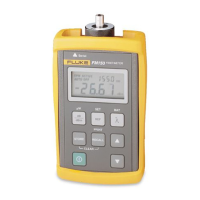
The FM150 Fiber Meter lets you save loss and power
measurements in non-volatile memory. Saved
measurements are not lost when you change the battery.
You can save up to 500 measurements for each
wavelength. You can send the measurements directly to a
serial printer or upload them to a PC. Refer to the
Appendix for more information on connecting to a printer
or PC.
Saving and Reviewing Measurements
To save the current reading, press S. The reading is
saved in the next available memory location, which is
briefly displayed. You can also use the test results pad
included with the meter to record the storage location
number, fiber identification, file name, and comments
about the results.
To review saved measurements, press
N to select the
desired wavelength; then press
R
. The highest memory
location used is alternately displayed with its contents.
Use
A B
to scroll through the memory locations.
To exit the recall mode, press
D
or
N
.
Replacing Saved Measurements
You can save a new measurement in any memory
location, as follows:
1. Press
R; then use A B to select the memory
location you want to change.
2. Hold down the
S key until HELD appears. The meter
then switches to measurement mode.
3. Make a new loss or power measurement; then press
S
.
Deleting Saved Measurements
To delete all measurements saved for the currently
selected wavelength, hold down both
S
and
R
until
HELD appears.
To delete all saved measurements, delete the
measurements for each wavelength.


 To Next Page