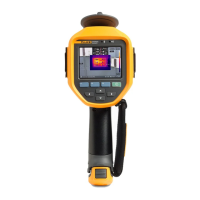
Performance Series Thermal Imagers
Menus
49
Delete Data Files
To erase one image from the SD memory card:
1. Push .
2. Push / to highlight Memory.
3. Push or to view the memory menu.
4. Push to highlight the thumbnail of the file to delete.
5. Highlight Selected Image and push . The Imager prompts you to
continue or cancel.
6. Push to delete the file.
To erase all the images from the SD memory card:
1. Push .
2. Push / to highlight Memory.
3. Push .
4. Highlight All Image and push . The Imager prompts you to continue or
cancel.
5. Push to delete all files on the SD memory card.
Shop for Fluke products online at:
1.877.766.5412
www.MyFlukeStore.com



 To Next Page