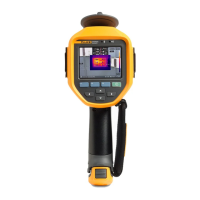
Performance Series Thermal Imagers
Menus
53
Date
The date can be displayed in one of two formats: MM/DD/YY or DD/MM/YY.
To set the date:
1. Push .
2. Push / to highlight Settings.
3. Push or to view the menu.
4. Push / to highlight Date.
5. Push / to highlight date format.
6. Push or to view the menu.
7. Push to set the date format.
8. Push or to change the setting.
9. Push to move to the next setting.
10. Push or to change the setting.
11. Push to move to the next setting.
12. Push or to change the setting.
13. Push:
• to set the change and go back to the live view.
• or to set the change and go back to the previous menu.
• to cancel the change and go back to the live view.
Shop for Fluke products online at:
1.877.766.5412
www.MyFlukeStore.com



 To Next Page