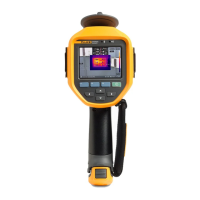
Ti90, Ti95, Ti100, Ti105, Ti110, Ti125, TiR105, TiR110, TiR125
Users Manual
54
Time
To set the time:
1. Push .
2. Push / to highlight Settings.
3. Push or to view the menu.
4. Push / to highlight Time.
5. Push or to view the menu.
Time displays in two different formats: 24 hour or 12 hour. To set the time
format:
1. Push / to highlight time format.
2. Push or to view the menu.
3. Push or to change the setting.
4. Push to move to the next setting.
5. Push or to change the setting.
The 12 hour format has a selection for setting whether the time is AM or PM. To
set AM or PM:
6. Push:
• to set the change and go back to the live view.
• or to set the change and go back to the previous menu.
• to cancel the change and go back to the live view.
Shop for Fluke products online at:
1.877.766.5412
www.MyFlukeStore.com



 To Next Page